
Neighborhood and hobby
Meeting place, times and contact person are in the description. New members find everything without asking.
Gumb for hobby and community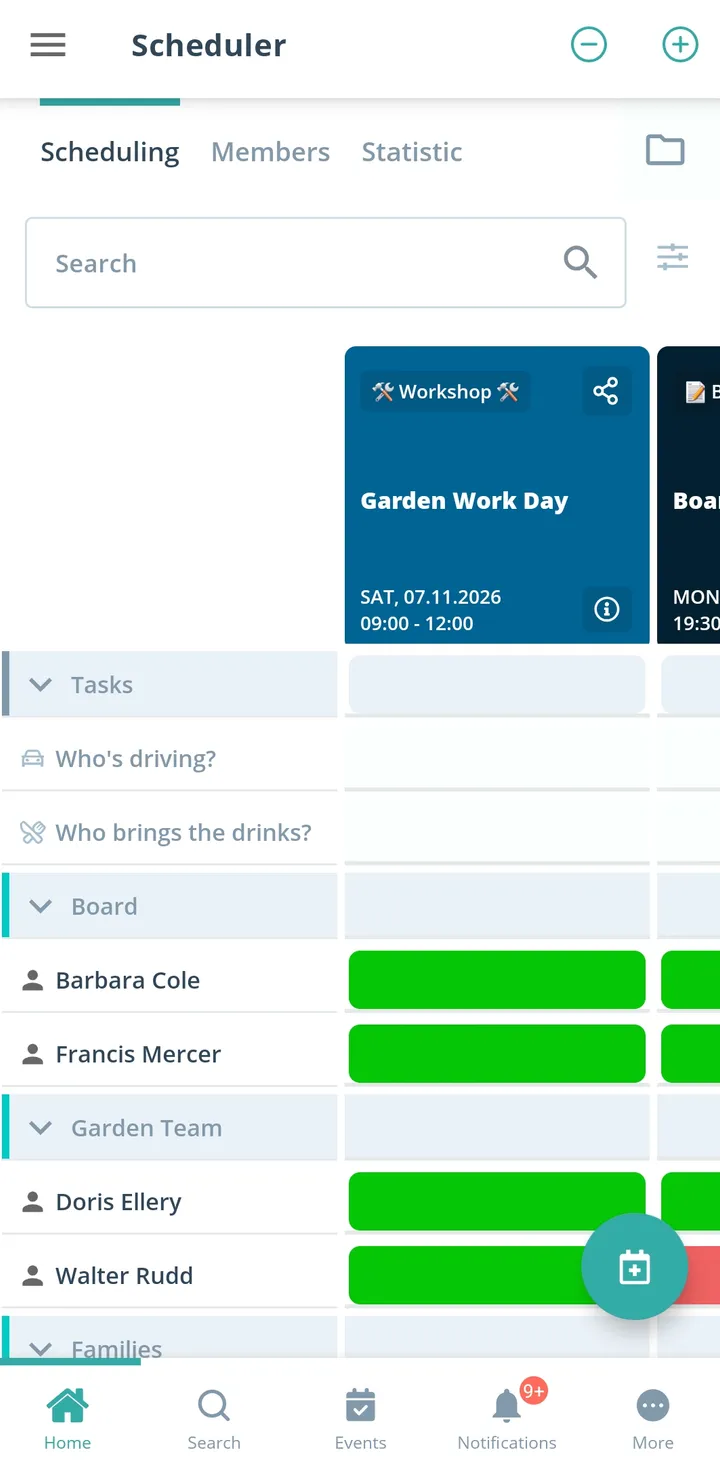
Club page and branding
Cover, logo, description and your links show everyone right away where they are. Your logo appears in every push message and email from Gumb.


In short
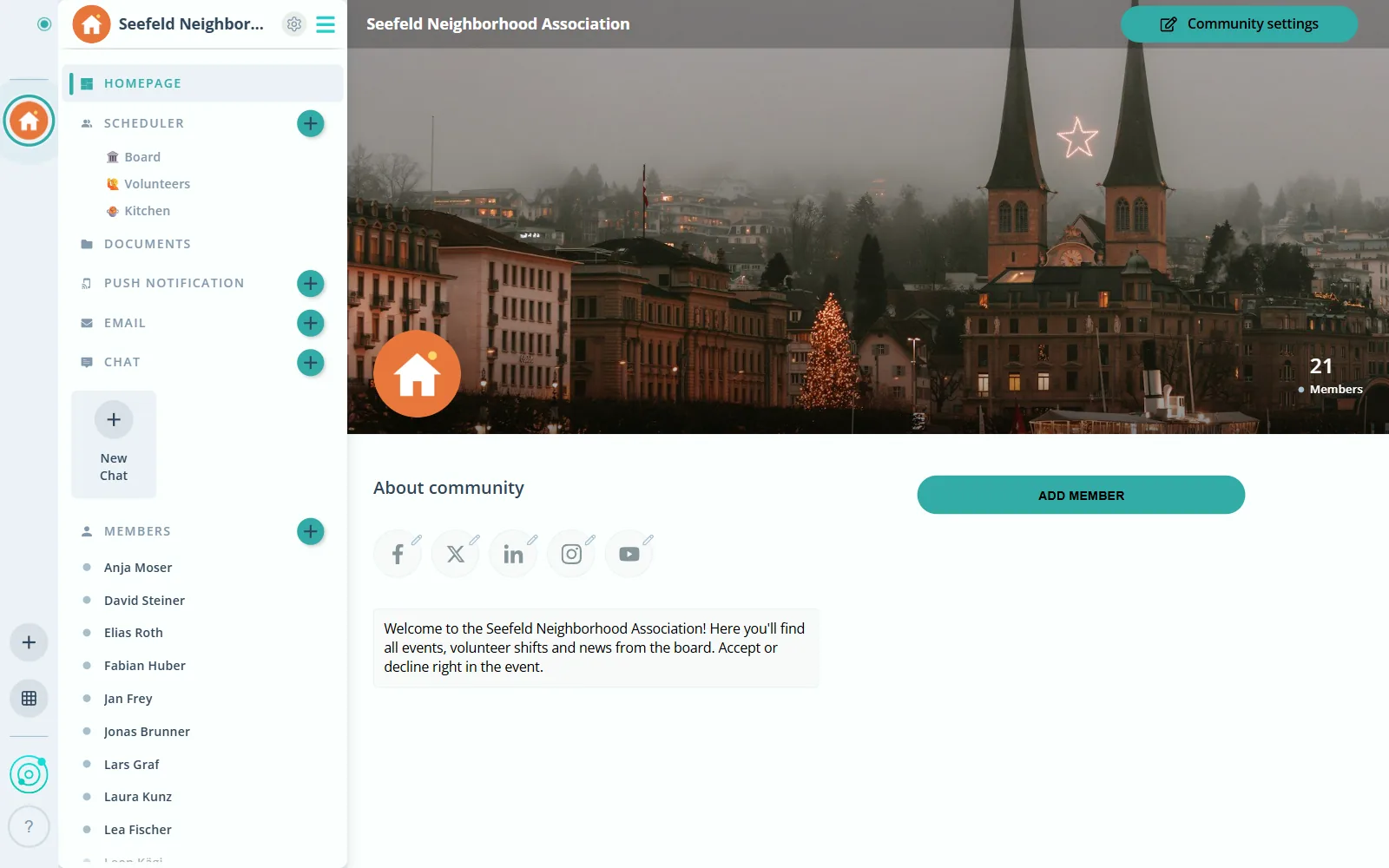
On your club page in Gumb, members see a cover, logo, description and your most important links. Owners and admins edit it in the app or on a computer with the gear next to the community's name, in the "General preferences" tab. The logo can be up to 5 MB, the cover up to 20 MB. Links in the description are clickable. Your logo also appears in every push notification and every email from Gumb.
Your club page
Before
With Gumb
In the app or on a computer, as an owner or admin.
The gear next to your community's name, then the "General preferences" tab.
Upload a cover and a logo. Then fill in the name, category and "About community".
Enter your website and channels, then click "Save changes".
Step by step, with screenshots from the app.
So everyone knows right away where they are.
Your logo appears in the app, in every push message and in every email.
A cover image up to 20 MB and a logo up to 5 MB, as JPG or PNG.
A few lines about your community, right on the club page.
Link your club website and any other pages.
Link Facebook, X, LinkedIn, Instagram and YouTube.
Owners and admins edit the club page, every member sees it.
The same club page, four everyday examples.
Meeting place, times and contact person are in the description. New members find everything without asking.
Gumb for hobby and communityEvery community has its own cover and logo. Members of several see right away where they are.
Gumb for businesses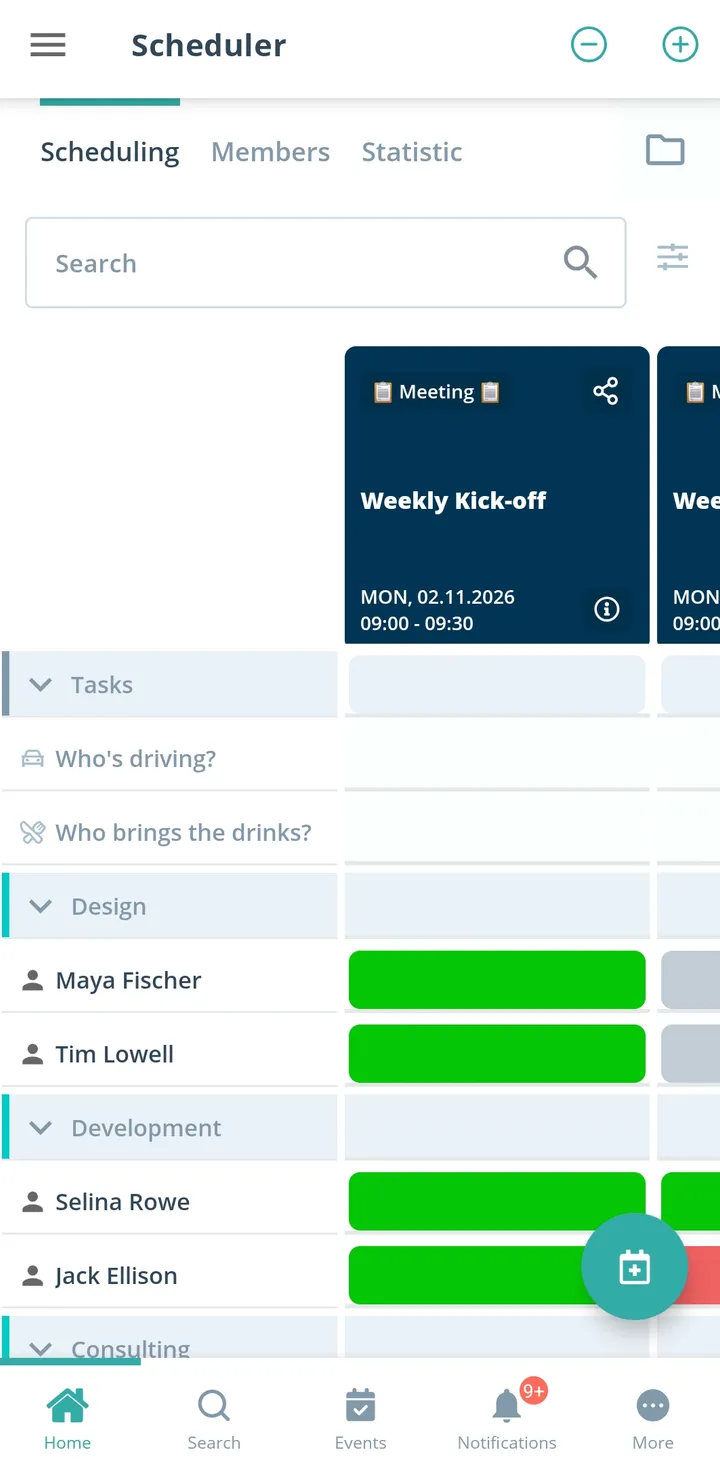
Service times, church office and the yearly program are in the description, the church website as a link.
Gumb for church and faith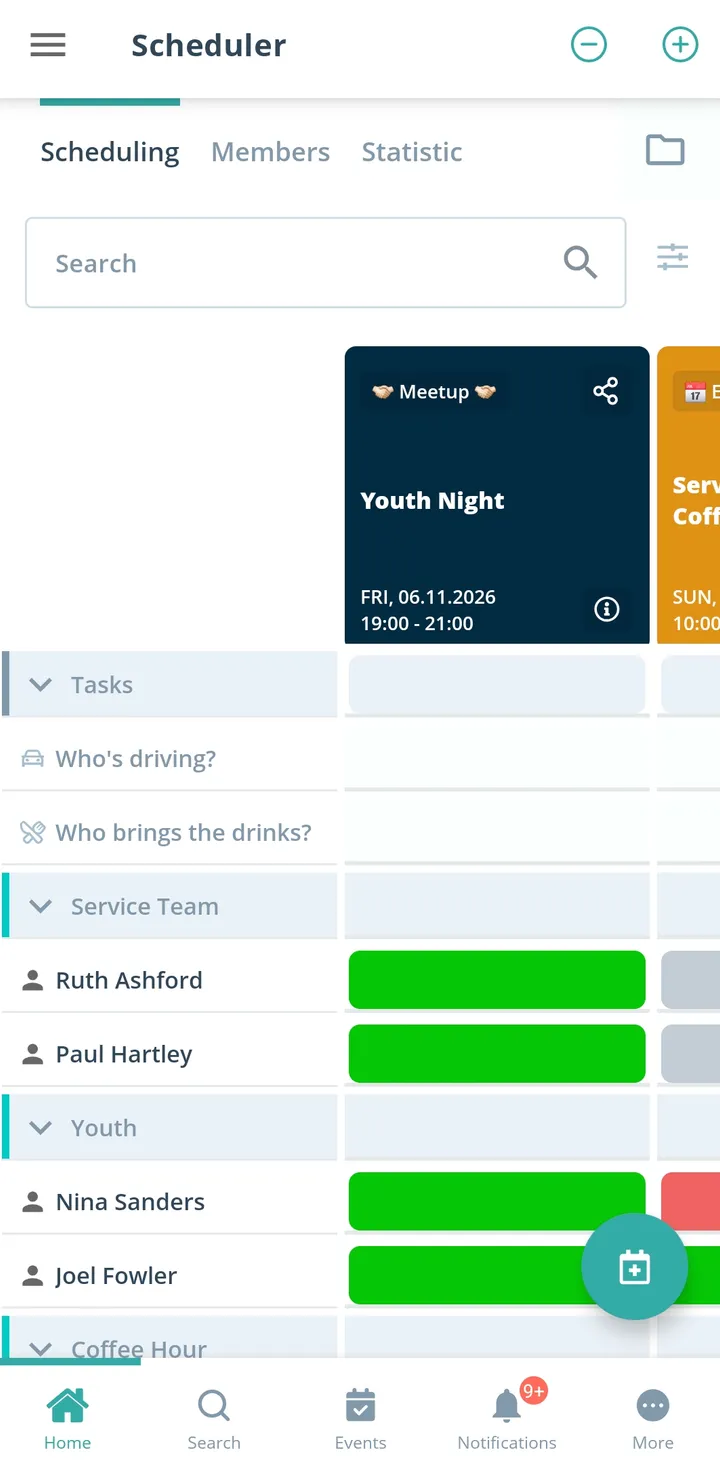
The concert photo as the cover, Instagram and YouTube as icons. Every member recognizes the logo in the push message.
Gumb for music and arts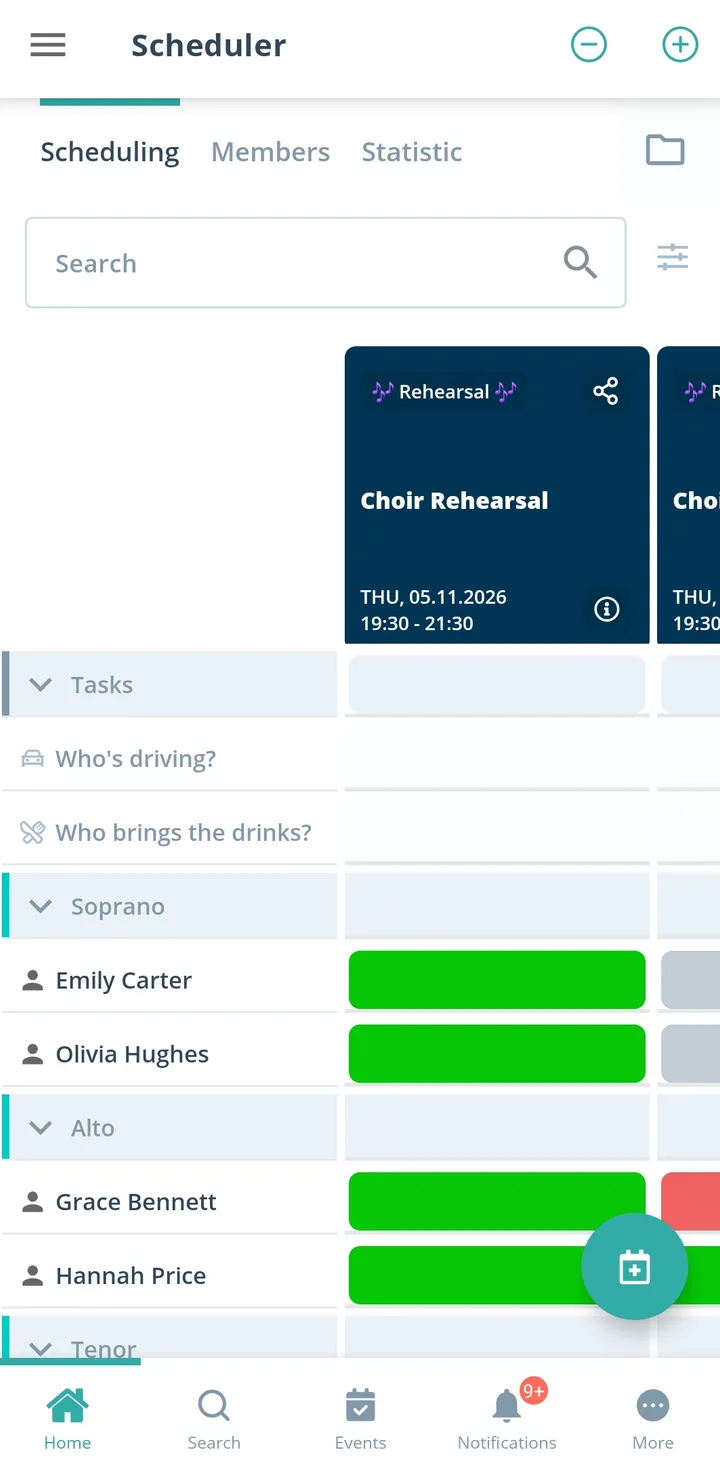
With the gear next to your community's name and the "General preferences" tab, in the app or on a computer. There you upload a cover and logo, add the description and enter your links.
Owners and admins. Group leaders don't see the community settings, members see the finished club page.
On the club page and in every push notification and email from Gumb. It is small in notifications, so choose a logo that is easy to read at a small size.
No. Your members use the Gumb app, where your page with logo and cover appears. The logo also shows in every push notification and email from Gumb.
No. The page is for your members in Gumb. You link your website there, and you show selected events on your website with an iCal link.
JPG, JPEG and PNG. The logo can be up to 5 MB, the cover up to 20 MB.
For the logo, a square image, Gumb shows it as a circle. For the cover, a wide landscape image, such as a group photo or your meeting place.
Everything new members want to know first, such as where and when you meet and who to ask. Links with https:// are clickable, for example to your bylaws or privacy policy.
One or more websites and your channels on Facebook, LinkedIn, Instagram, X and YouTube. The icons appear on the club page.
No. The page and logo are included in every plan. The organization pays from $149, €149 or CHF 149 a year, and members use Gumb for free. The first 2 months are free, no credit card needed.
Try Gumb free for 2 months with the full feature set. No credit card, no automatic renewal.