
All communities in one bar
On the left are all communities you're in. One tap switches between them.
Feature: Multiple Teams & Departments
Every team and department runs itself, with its own calendar and its own admins. Members still see everything in one place.



In short
With Gumb, clubs run several teams and departments in one app: as groups with their own group scheduler inside one community, or as separate communities with their own calendar and admins (Premium plan). The member matrix assigns members with a checkmark, and members see events from all teams in one place.
Real screens from the app, explained step by step.
On the left are all communities you're in. One tap switches between them.
Every community has its own groups, such as teams, squads or sections. Each group plans its events in its own group scheduler.
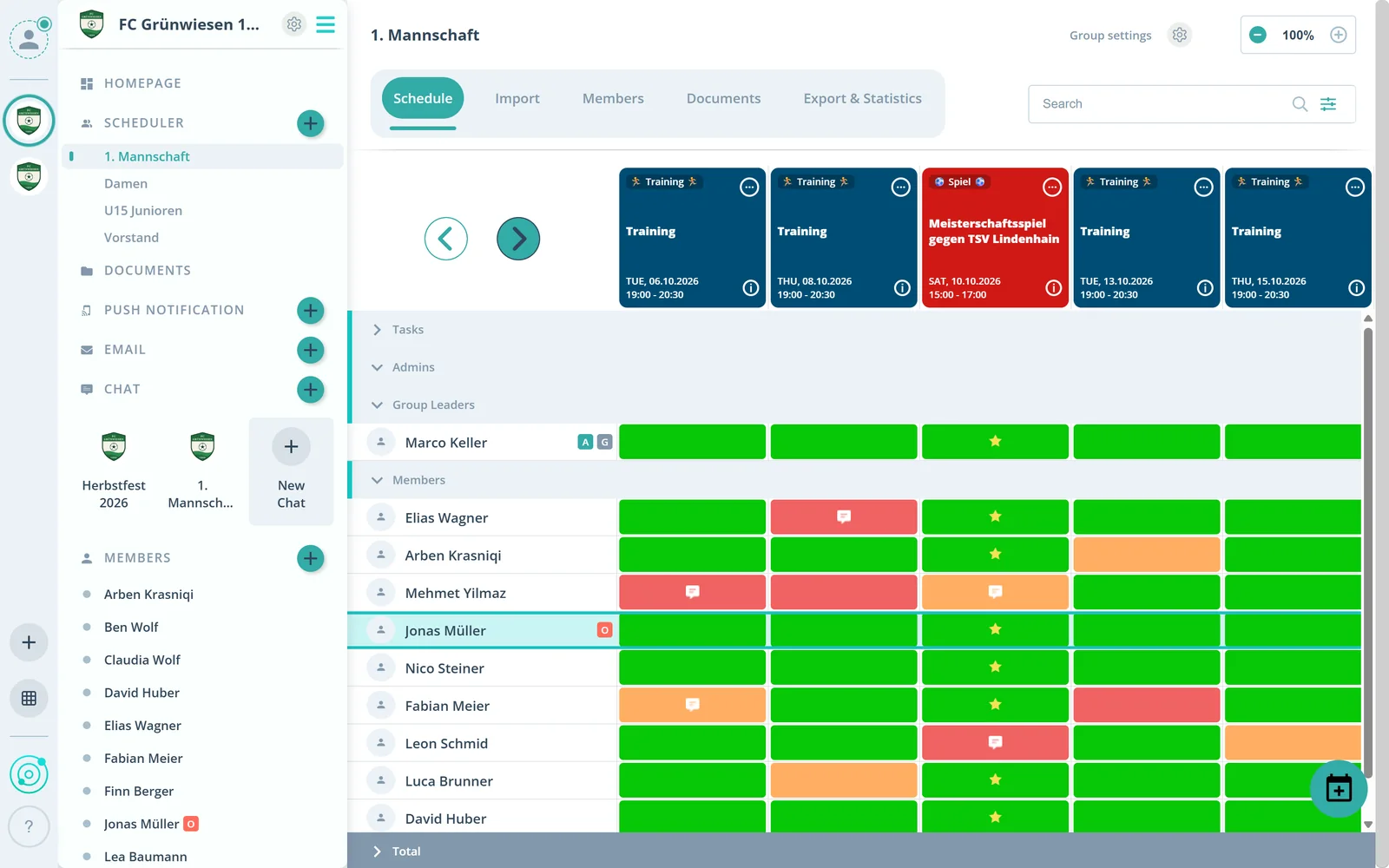
The scheduler lists members by group. So you see per group who is coming.
What else Gumb does for several teams and departments.
Assign members to one or more communities with a checkmark, saved instantly.
Members switch teams or departments without registering again.
Each community sets its own admins and settings, for example for notifications.
Up to 20 group schedulers in the Pro plan, for teams and departments.
The owner keeps an overview of all communities.
Every group automatically gets its own document folder.
A community stands on its own, with its own scheduler, settings and admins. Groups divide a community, for example into teams or departments, and have their own group scheduler.
Several communities, each with its own main calendar, come with the Premium plan. In the Pro plan you work with one community and up to 20 group schedulers.
Yes. Just set several checkmarks in the member matrix.
Yes. Events, chats and news from all communities and groups show up for them in one place.
No. Members never pay. The club or organization pays for the subscription, and members use Gumb for free.
Try Gumb free for 2 months with the full feature set. No credit card, no automatic renewal.