
Meetings in Outlook
Weekly meetings and workshops from Gumb are in Outlook, right next to client meetings.
Gumb for businesses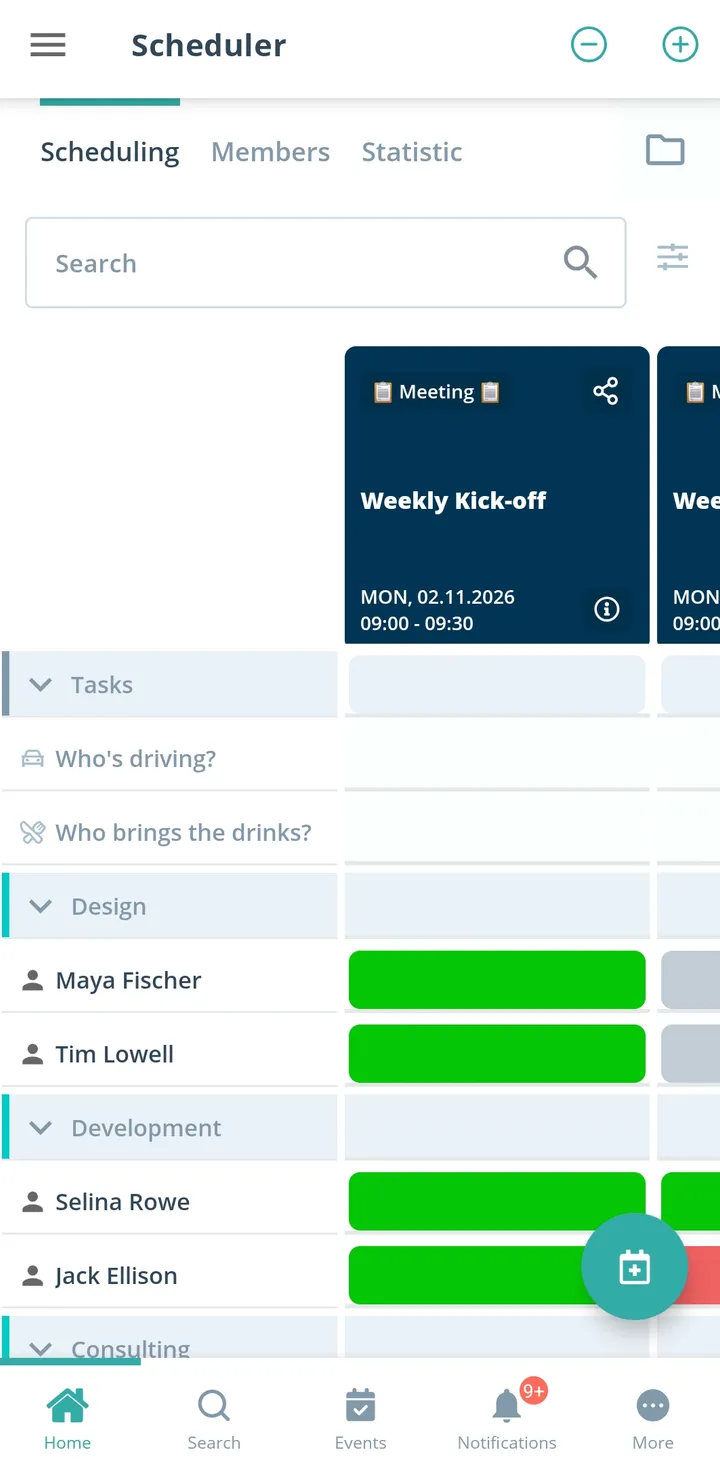
Calendar sync
Connect Gumb with Google Calendar, Apple Calendar or Outlook. New and changed events show up there automatically, one calendar per community.


In short
With the calendar connection, your Gumb events show up automatically in the calendar you already use. You connect Google Calendar with your Google account, in the browser or in the app. For Apple Calendar and Outlook, you copy one iCal link per community and subscribe to it. Every community becomes its own calendar, and every event includes a link to respond in Gumb. The sync only runs from Gumb into your calendar.
Calendar connection
Before
With Gumb
In your profile, on a computer or in the app.
In your profile, click "Calendar connection". In the app, use the menu at the top left.
For Google, "Sign in with Google". For Apple and Outlook, "Connect Apple & Outlook (iCal)".
For Google, save. For Apple and Outlook, copy the iCal link and subscribe.
Step by step, with screenshots from the app.
For everyone who wants to keep their own calendar.
Every Gumb community gets its own calendar, for a clearer view.
Every event includes a link you use to respond in Gumb.
Changes in Gumb appear in Google Calendar within minutes.
Set up the Google connection in the browser or in the app.
Via iCal subscription in Apple Calendar and Outlook.
Sync runs from Gumb into your calendar, not back.
The same calendar connection, four everyday examples.
Weekly meetings and workshops from Gumb are in Outlook, right next to client meetings.
Gumb for businessesRehearsals are in your own calendar. When the director moves one, your calendar follows.
Gumb for music and arts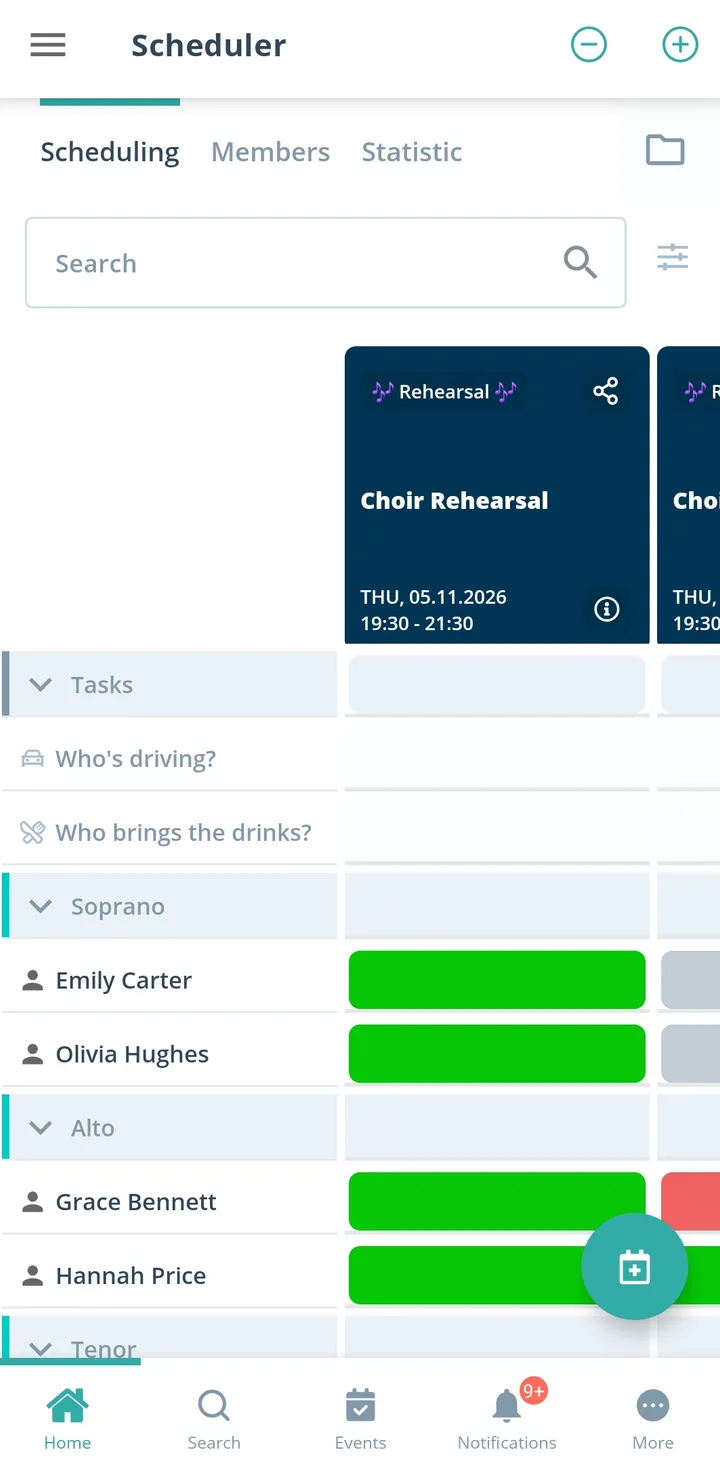
Every drill is in the calendar on your phone. If you're in several communities, each gets its own calendar.
Gumb for emergency and rescue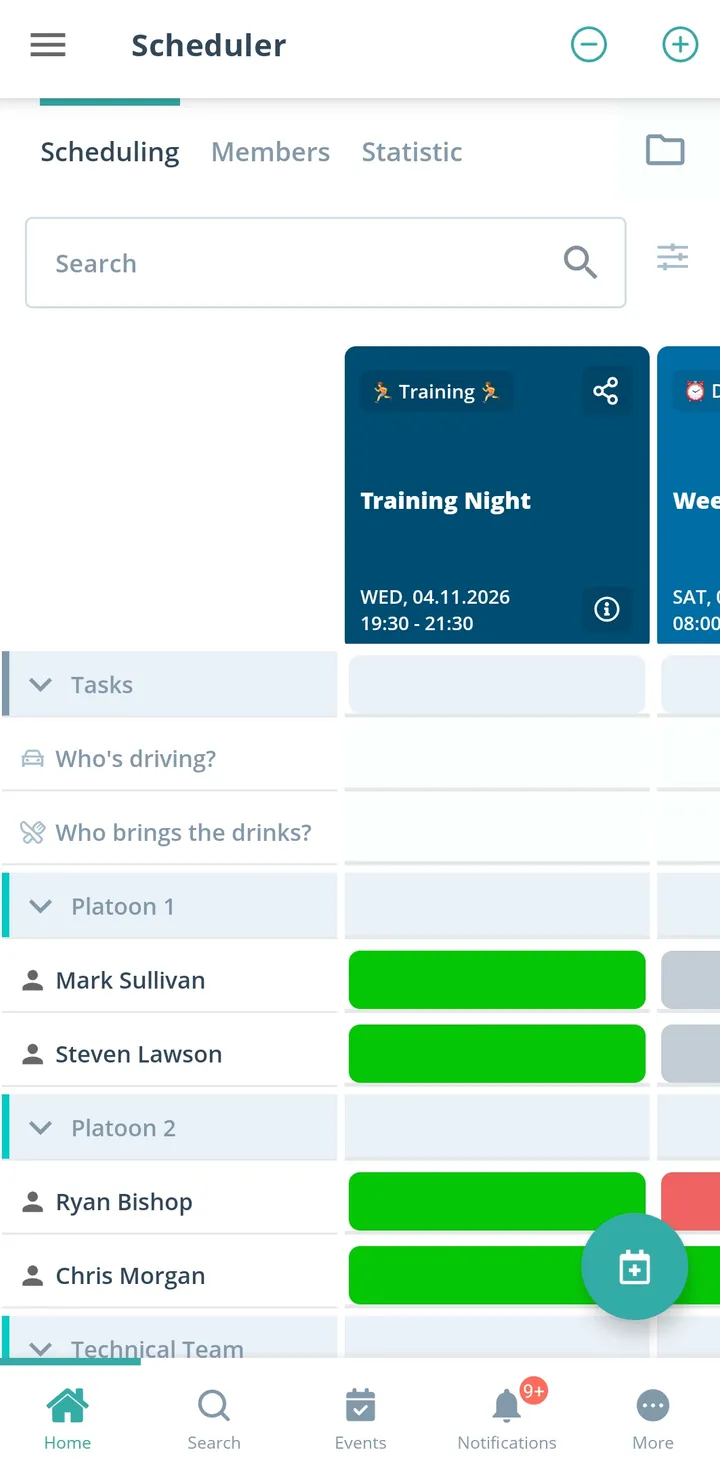
The game schedule is in Google Calendar. The link in the event takes you to your answer in Gumb.
Gumb for sports and recreation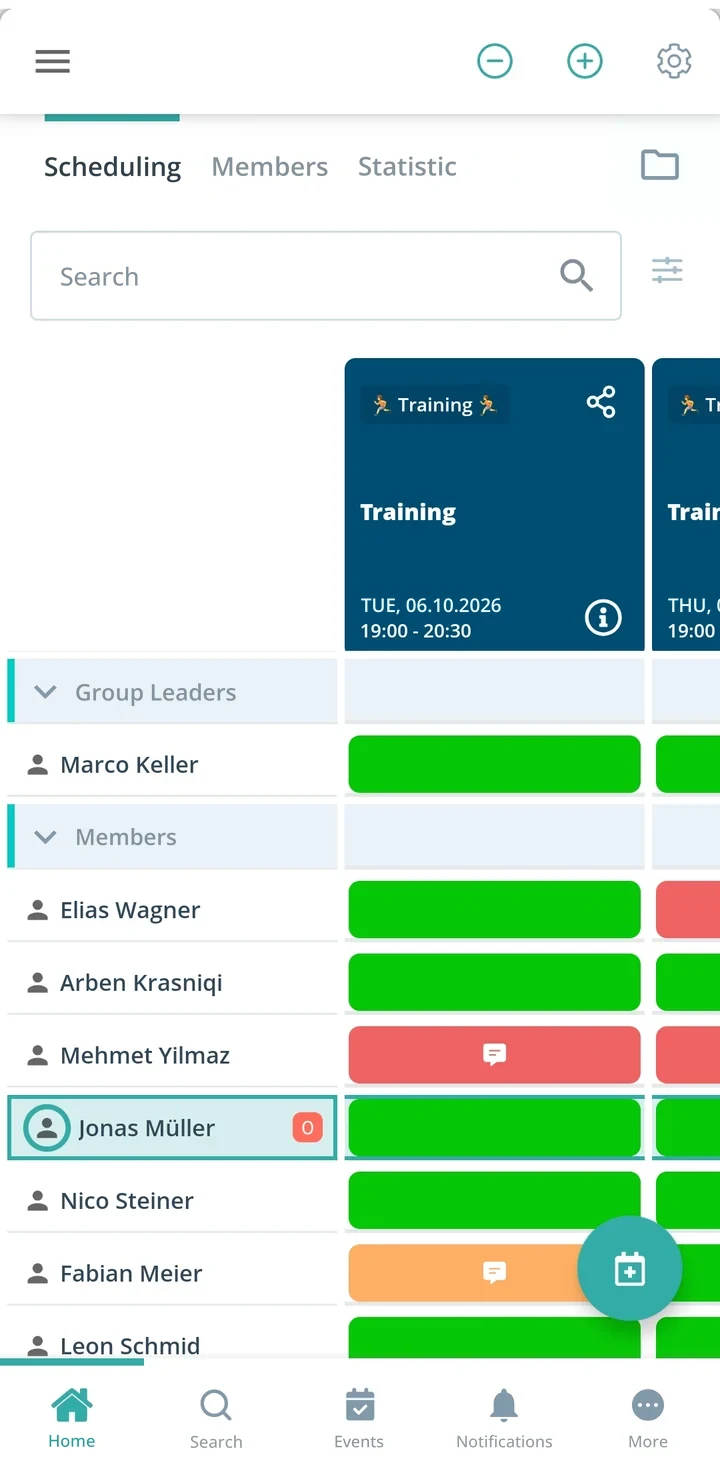
In your profile under "Calendar connection". You connect Google Calendar with your Google account, Apple Calendar and Outlook with an iCal link you subscribe to.
No. Events go from Gumb into your calendar. Changes in your calendar don't go back to Gumb.
In Google Calendar within a few minutes. Apple Calendar and Outlook pick up changes at the next refresh. In Outlook, that can take a few hours.
Through the link in the event. Every synced event includes a link to respond in Gumb, where you accept or decline.
Yes. Gumb creates a separate calendar for each community. In Apple and Outlook, you subscribe to each link separately.
Usually the box for calendar access wasn't checked when connecting. Disconnect in Gumb, connect again and check the box at Google.
In the Gumb app, open Calendar connection in your profile. On iPhone, you add Apple Calendar with "Subscribe". On Samsung and other Android phones, you connect Google Calendar, which the phone's calendar then shows.
A subscription updates itself, an import doesn't. Gumb works with subscriptions: when an event changes, it changes in your calendar too.
Yes. Add a member called "Website", invite it to your public events and embed its iCal link on your website. Only the events you share show up there.
No. It is included in every plan, and every member connects their calendar for free.
Try Gumb free for 2 months with the full feature set. No credit card, no automatic renewal.