
Shifts
Whoever has the star has the shift for sure. If you like, the reminder goes only to those scheduled.
Gumb for businesses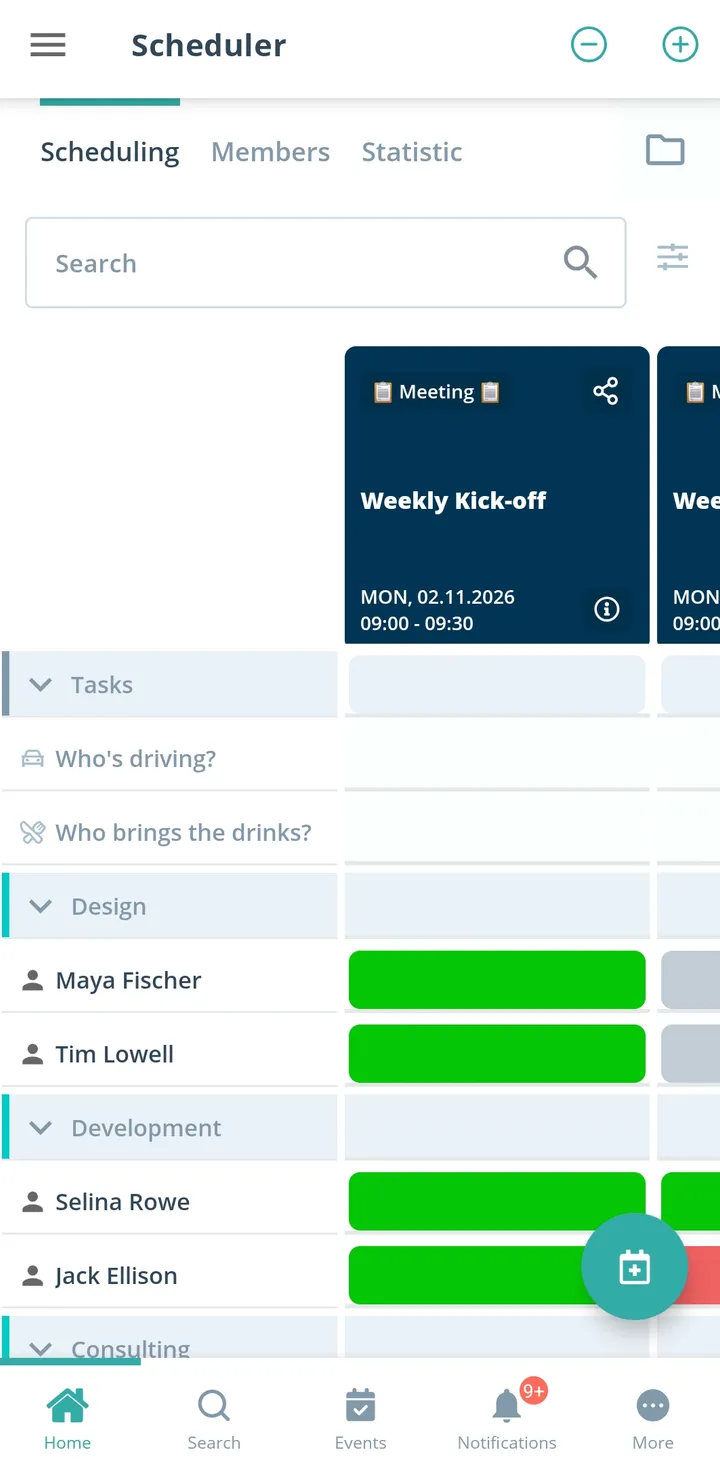
Nomination and penalty
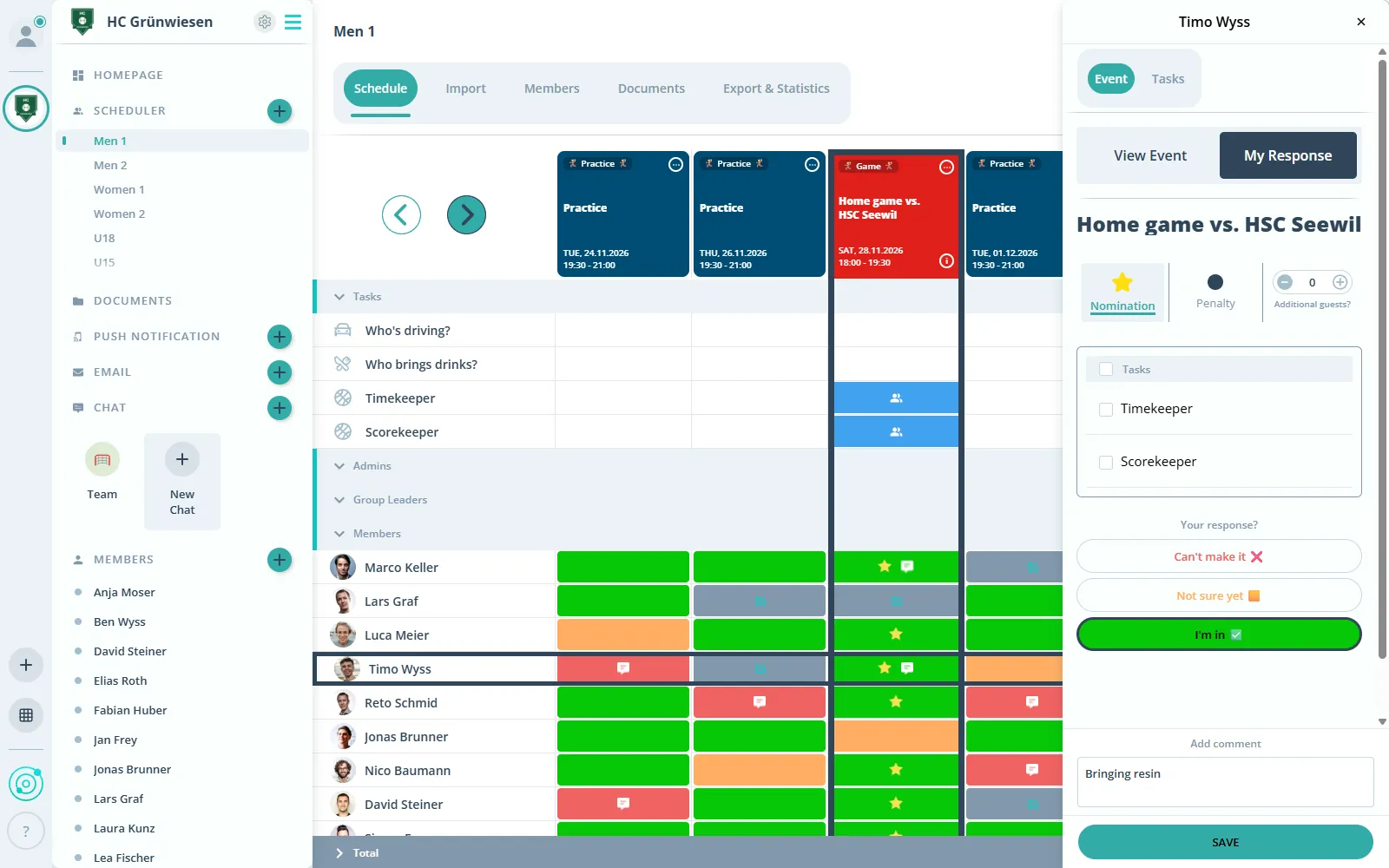
In the Scheduler, the star shows who is confirmed for a game, a shift or a deployment. The penalty dot records who was missing.


In short
With nomination and penalty, you mark in the Gumb Scheduler who is confirmed for an event and who missed one. The star stands for nomination, the black dot for penalty. An admin sets both on a person's answer, and everyone who sees the event sees it. Reminders, push and emails can be filtered to the lineup. In the statistics, Gumb counts stars and dots per person.
In the Scheduler
Single players, one team or the whole club.The message only reaches the people it concerns.
 Sent to Jonas
 Gumbnow⭐ LineupYou're in the lineup for Saturday. Meet at 2:00 PM.
Before
With Gumb
As an admin, in the browser or in the app.
In the Scheduler, in the person's row, click the field below the event.
Under My Response, click Nomination or Penalty. A second click removes it.
Everyone who sees the event sees the star or the dot in the answer field.
Step by step, with screenshots from the app.
For games, shifts, deployments and performances.
Marks who is nominated for an event, visible to the member.
Records a missed past event.
Send event reminders only to the nominated people if you want.
Mark substitutes with their own task, such as "Substitute".
Review stars and penalty dots per member in the statistics.
In businesses, the star marks confirmed shifts after the availability check.
The same star, four everyday examples.
Whoever has the star has the shift for sure. If you like, the reminder goes only to those scheduled.
Gumb for businessesFor the first aid post at the city run, you confirm three people. Everyone sees who's on.
Gumb for emergency and rescue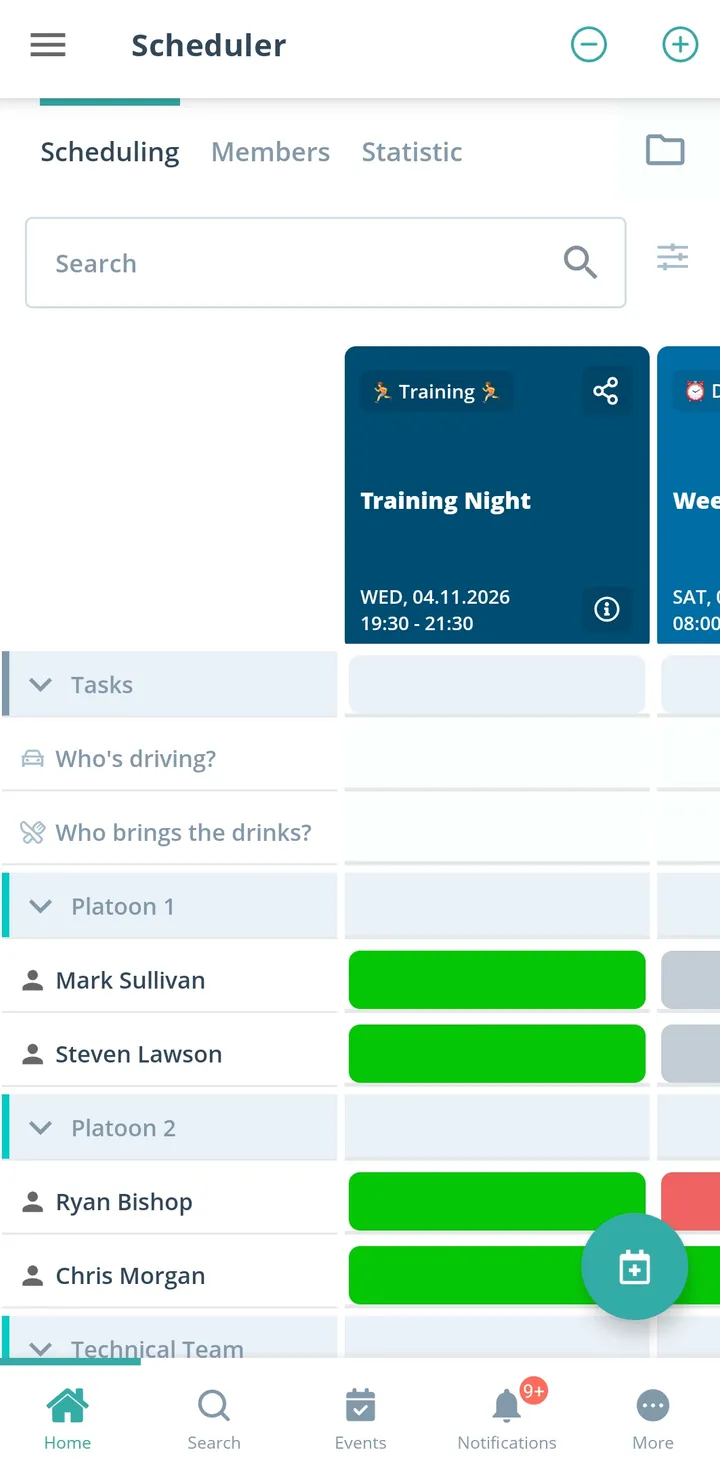
Whoever has the star is in the lineup for the game. You mark substitutes with the task "Substitute".
Gumb for sports and recreation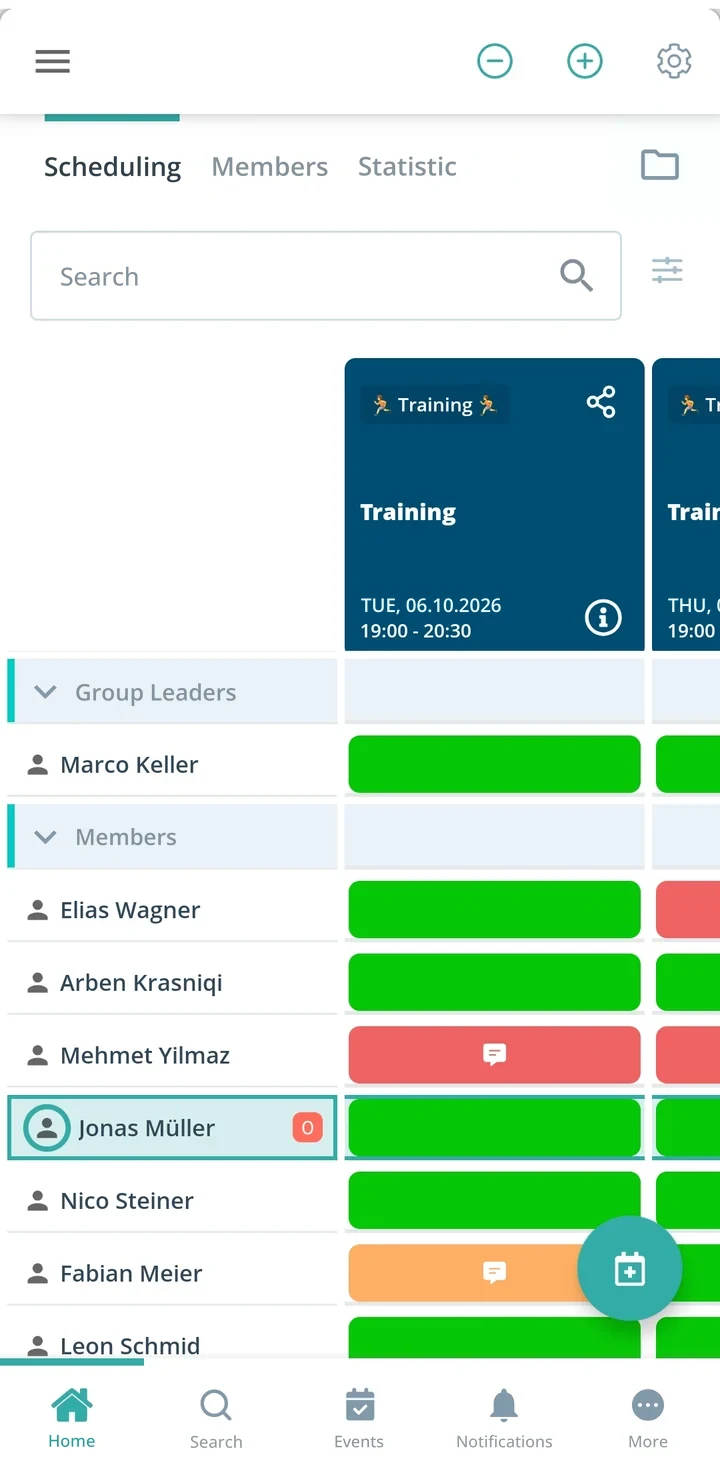
Whoever plays the concert gets the star. That way every section sees who's set.
Gumb for music and arts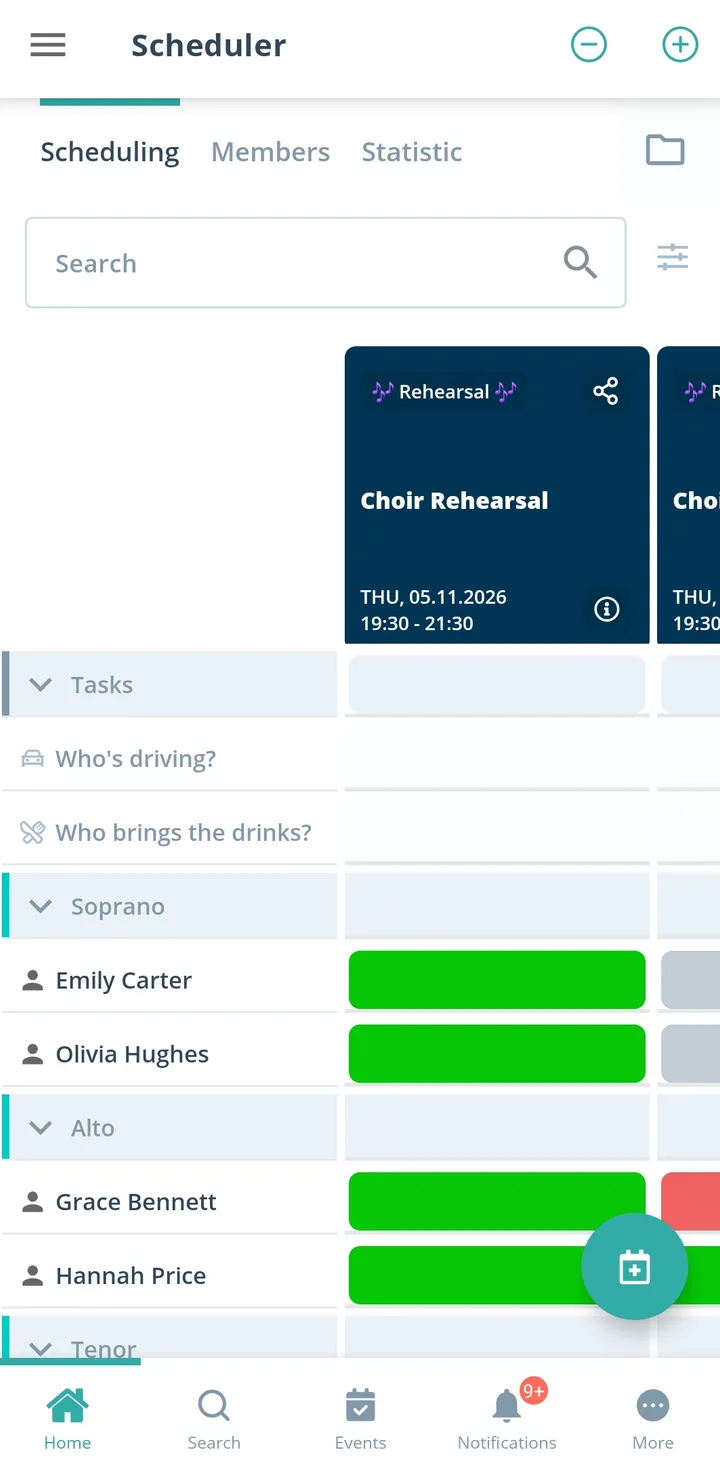
The list of people firmly scheduled for an event, such as a game, a shift or a performance. In the US it is often called the lineup or roster, in the UK the squad or team selection. In Gumb, the star marks it.
The star means nomination: the person is confirmed for the event. A yes means "I can", the star means "you're in". Everyone who sees the event sees the star in the answer field.
The black dot means penalty: the person missed the event. You decide what you give it for, such as an unexcused absence or a last-minute cancellation.
In the Scheduler, click the person's answer field, then Nomination under My Response, then Save. This works once the person has answered.
Yes. In the notifications, keep only Nomination under "Do you want to send notifications to invitees?". Push messages and emails about an event can also be filtered to the lineup.
No. The penalty dot only marks a missed event. Gumb has no amounts, fines list or team fund.
Yes. On every event, the star marks who is firmly scheduled, whether game, shift, duty or concert.
Yes. You can set a penalty after the event, even when the RSVP deadline has passed. A second click removes the mark again.
Under Export & Statistics. The Responses & Tasks report shows for each person how often they got a star and how often a penalty dot.
With a task such as "Substitute". You sign the people up for it on the event, so everyone sees who is in the lineup and who is on standby.
No, both are included in every plan. The organization pays from $149, €149 or CHF 149 a year, and members use Gumb for free. The first 2 months are free, no credit card needed.
Try Gumb free for 2 months with the full feature set. No credit card, no automatic renewal.