
Youth teams
Parents say yes for the whole practice series. The coaches see for each child who's coming.
Gumb for sports and recreation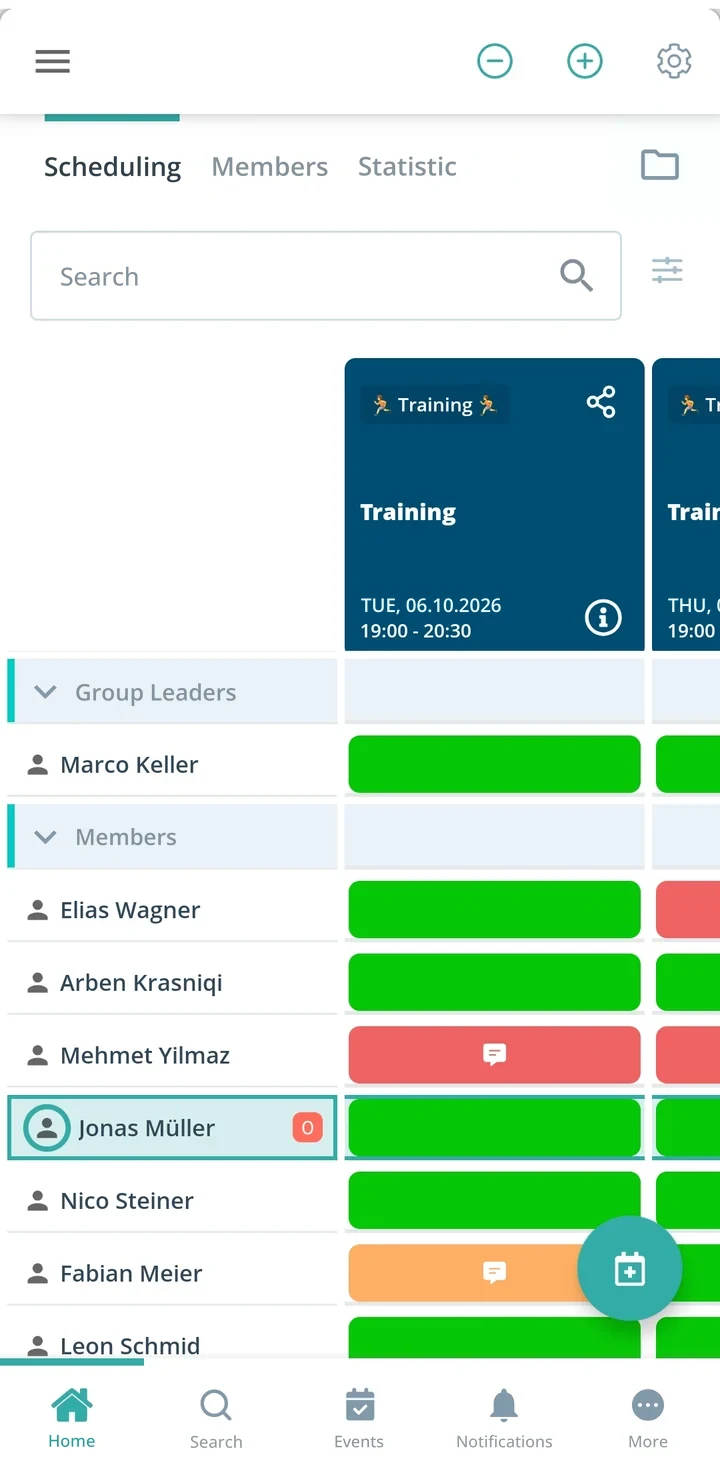
Parents and kids
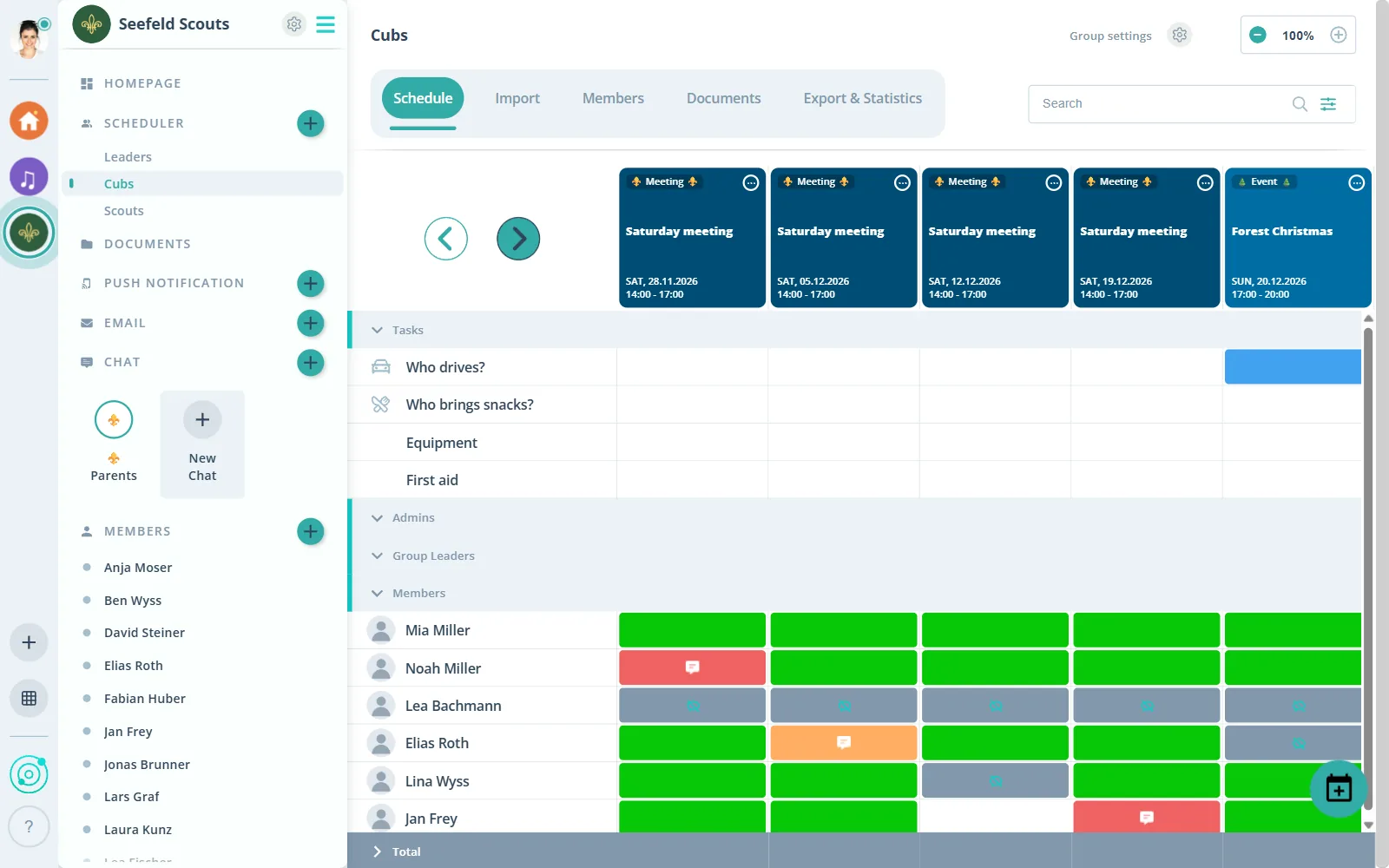
Every child has their own account, and the parents respond in it. That way the Scheduler shows for every child whether they're coming.


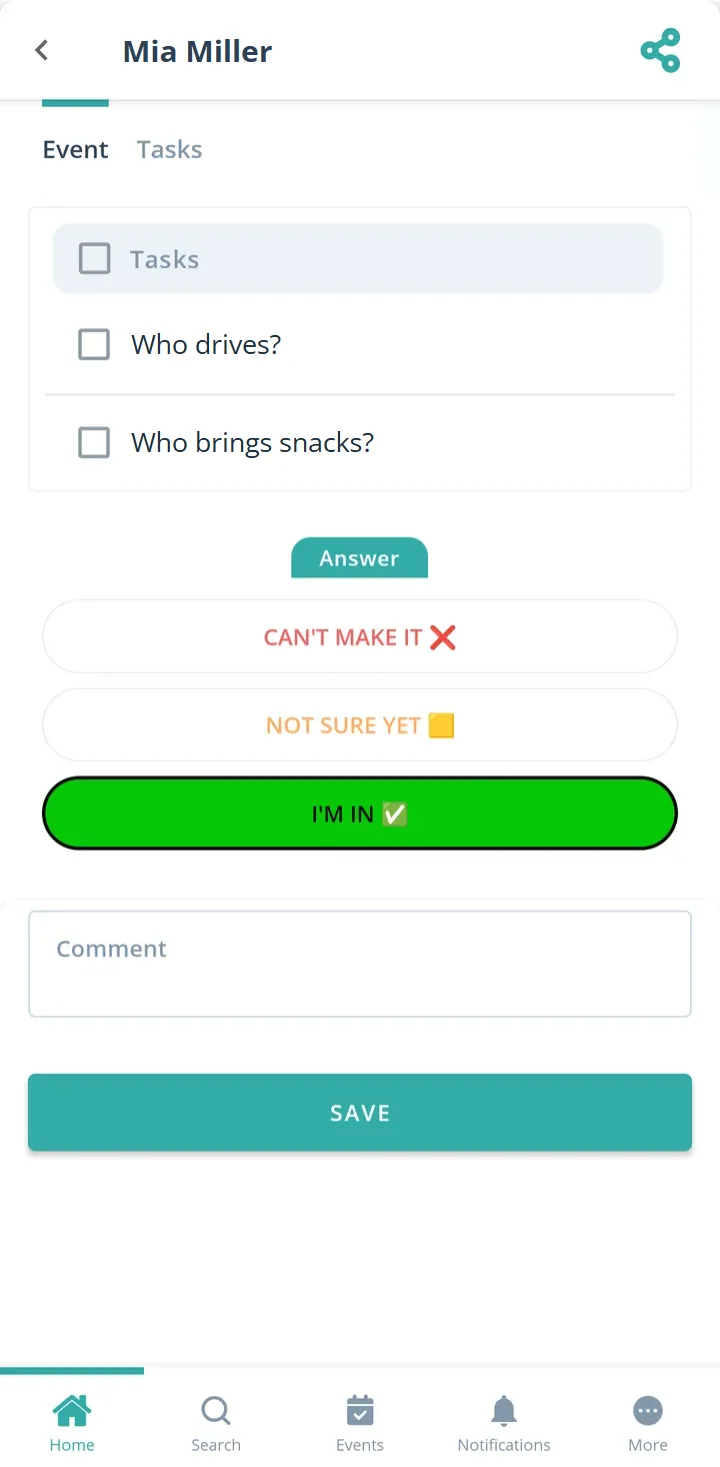
Parents log in once and manage their kids' profiles, with no extra email addresses. You switch between your kids with one tap and respond for each of them.
It's one of the most frequent requests we get, and it sits at the top of our roadmap. We deliberately don't give a date.
Switch profile
Answering for Mia
I'm inIn short
In Gumb, every child with their own events has their own account. If they don't have an email address, use the father's or mother's. Both parents log in with the same credentials and respond for their child, for a whole series at once. Admins create kids' accounts directly, and Gumb sends the invitation. Siblings who only come along count as guests. A login for the whole family is in the works.
In the Scheduler
Before
With Gumb
Once per child, then you respond in the app.
One account per child, with the child's or a parent's address. Or the admins create it.
Dad and mom log in with the same credentials and see the same events.
Choose an answer, save and pick "This and following events".
Step by step, with screenshots from the app.
What else families should know.
Every child gets their own events and gives their own responses.
Admins create kids' accounts, Gumb sends the invitation with a temporary password.
Both parents log in to the child's account with the same email and password.
Anyone who only comes along counts as an additional guest and is not scheduled.
For recurring events, save "for all following events" and only act when your child can't attend.
The same kids' accounts, four everyday examples.
Parents say yes for the whole practice series. The coaches see for each child who's coming.
Gumb for sports and recreationThe child comes to rehearsal, the whole family to the concert. Siblings count as guests.
Gumb for music and arts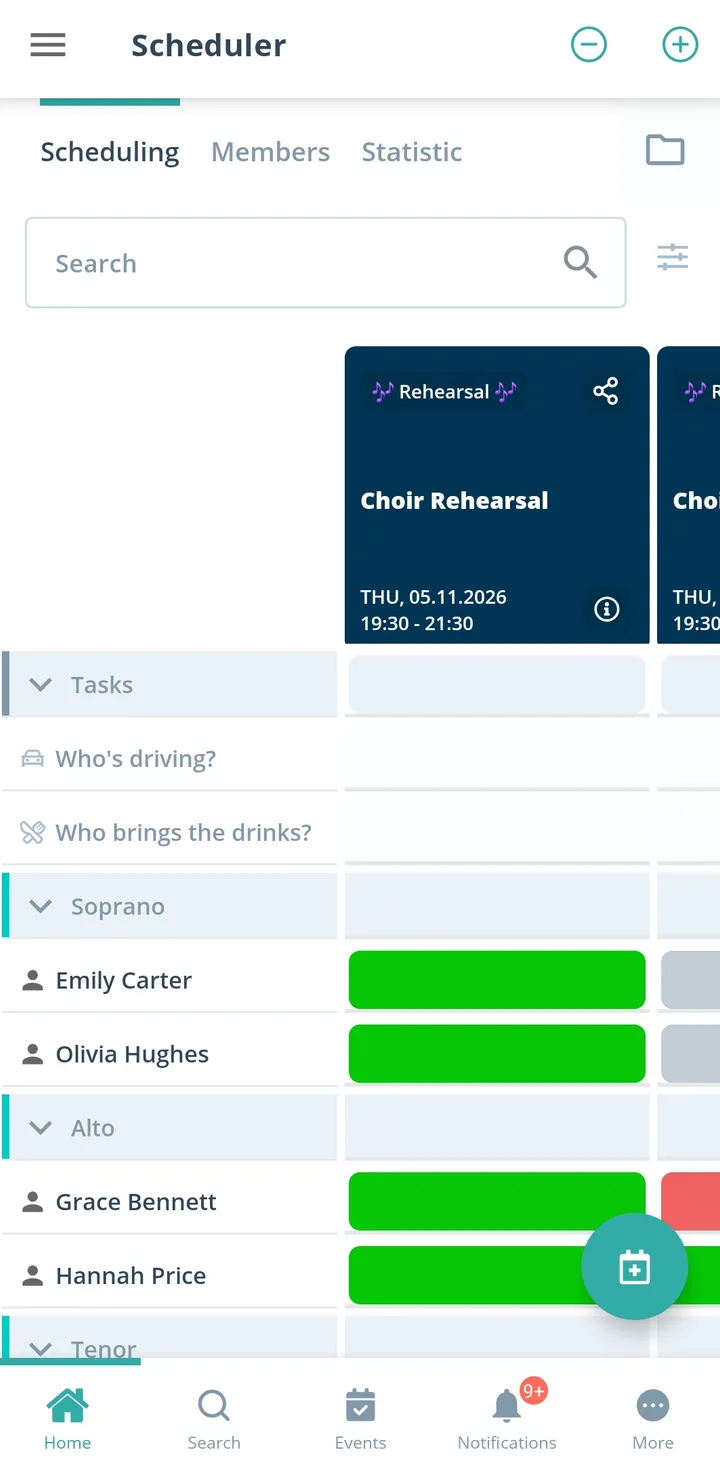
The leaders create the kids' accounts. Parents sign their child up or out in the app.
Gumb for church and faith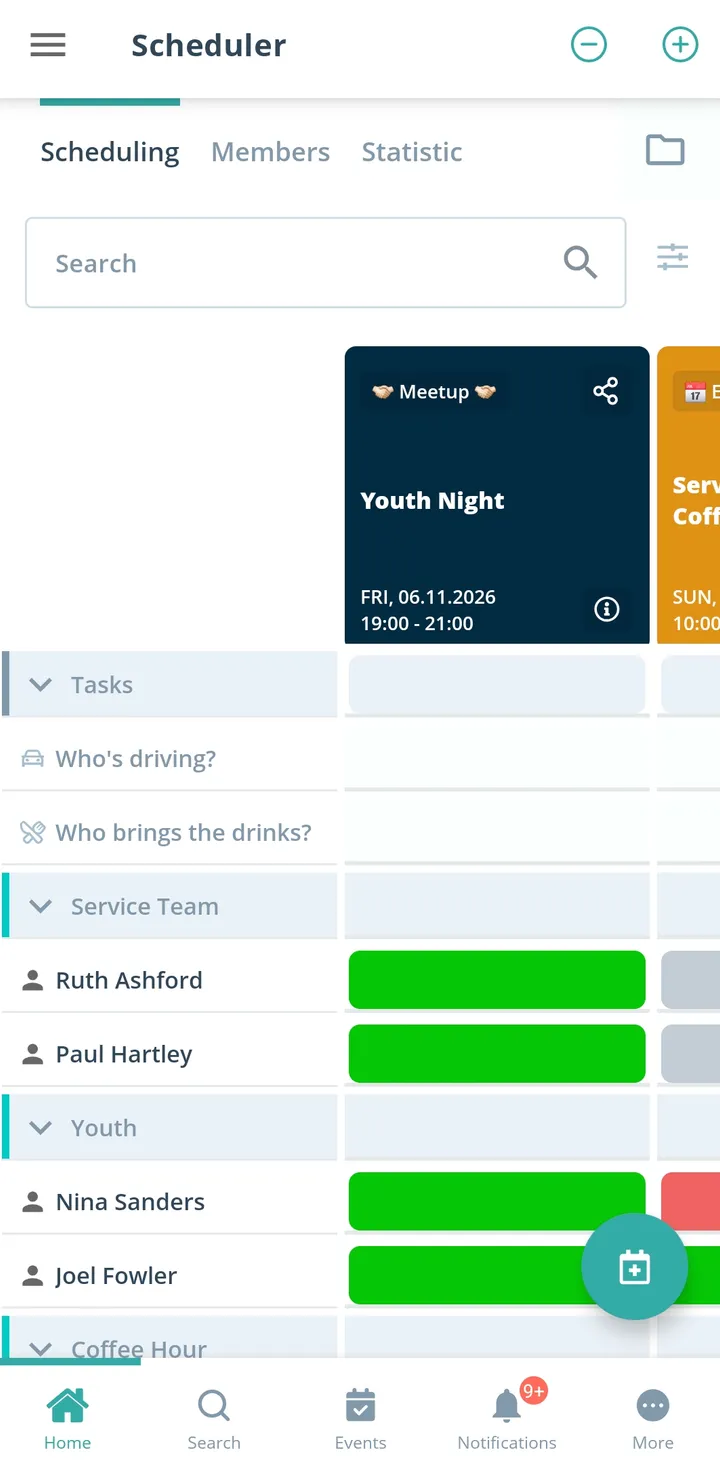
The comment says who picks the child up. That way the leaders know.
Gumb for hobby and community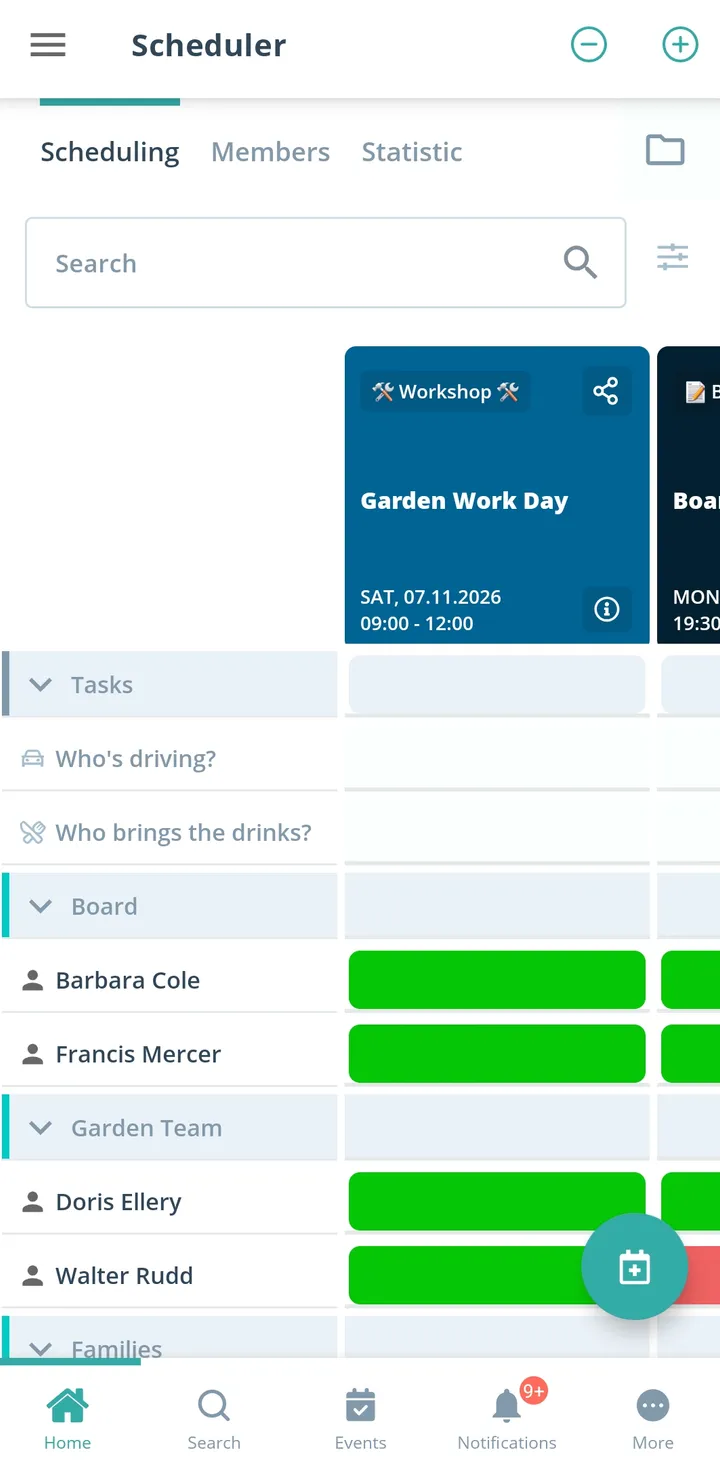
In the child's account, tap "I won't attend" on the practice. For a practice series, you can decline all following events at once. Write a reason in the comment.
No. Parents answer in the child's account, on their own phone or in the browser.
Yes. Every child with their own events and answers needs their own account. If they don't have an email address, use the father's or mother's address.
The father creates the first child's account with his email address, the mother the second child's with hers. From three kids on, each additional child needs their own address.
Yes. You both log in with the same email address and password and see the same events.
You log out and log back in with the other child's account. A password manager fills in the email address and password for you.
Yes. Admins add kids by email address, Gumb creates the account and sends an invitation with a temporary password. For families, that's usually the fastest way.
As guests. In the child's answer, set under "Additional guests?" how many are coming along. Guests don't need their own account.
Yes, we're building it now. One login for the whole family: parents manage their kids' profiles without extra email addresses and switch between them with one tap. We deliberately don't give a date. Once it's live, you'll find it in the release notes.
No. Parents, kids and coaches use Gumb for free. The club pays for the subscription, from $149, €149 or CHF 149 a year.
Try Gumb free for 2 months with the full feature set. No credit card, no automatic renewal.