
Departments and projects
Employees sit in their department and also in a project team. Two checkmarks, one login.
Gumb for businesses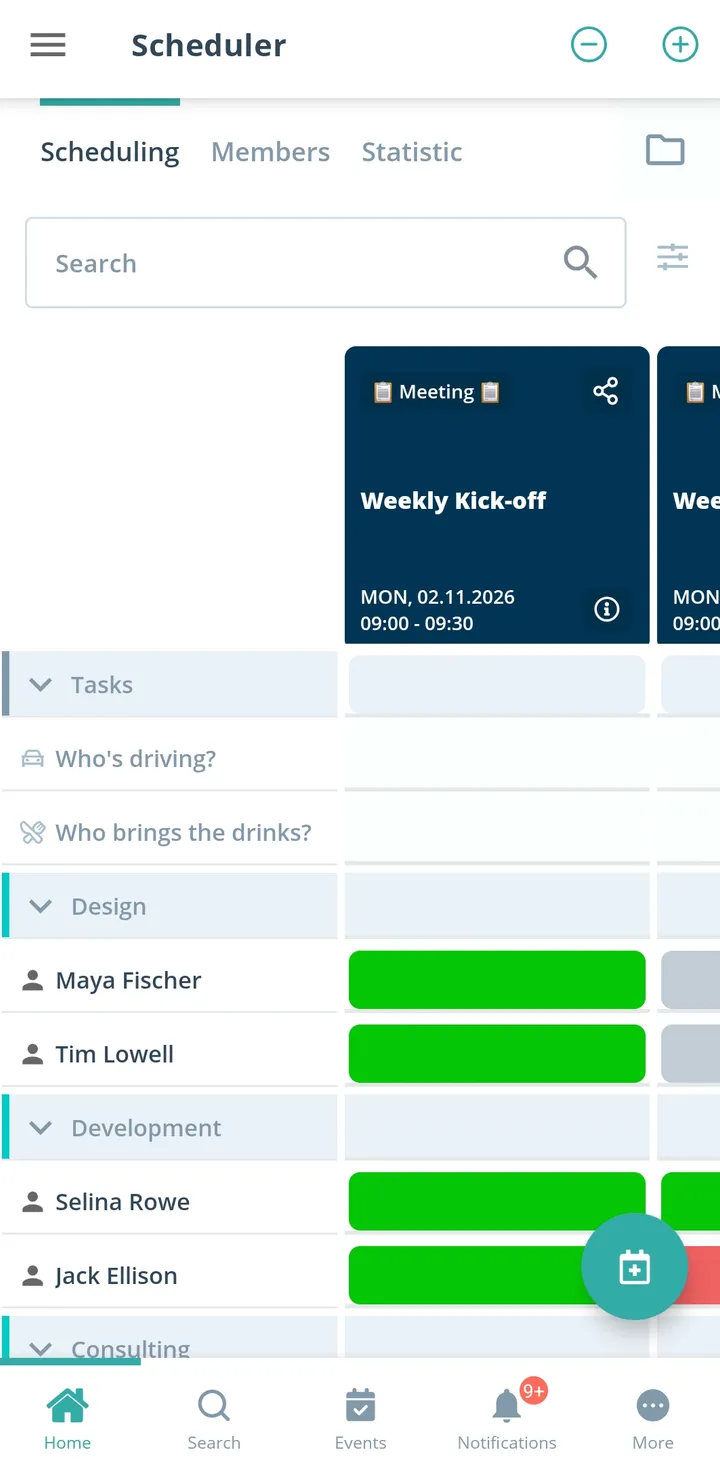
Member matrix
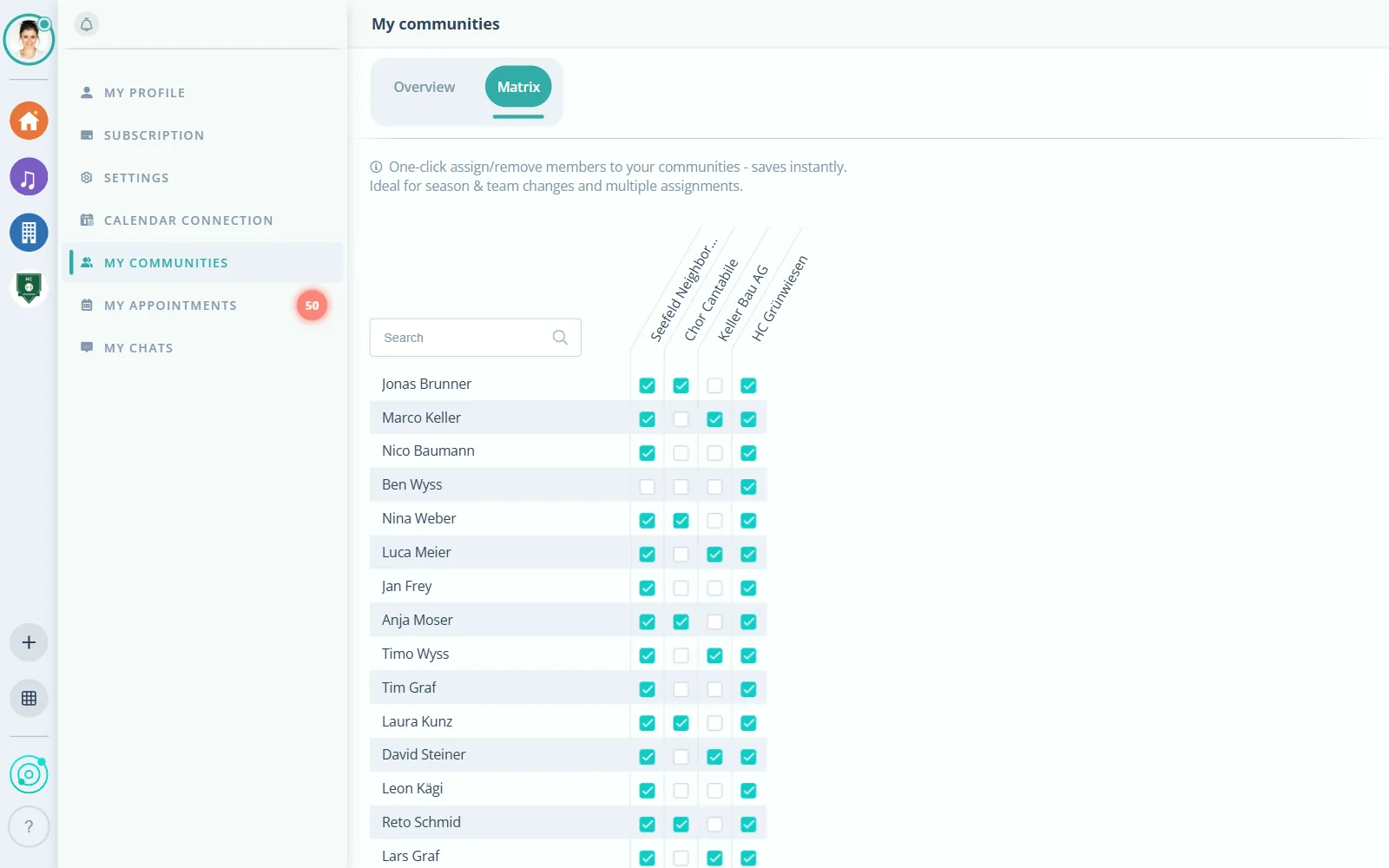
One row per person, one column per community. A checkmark assigns, Gumb saves instantly, and every person needs just one login.


In short
The member matrix in Gumb shows all people and all communities you run as owner or admin in one table: one row per person, one column per community. A checkmark assigns a person, and Gumb saves instantly. A person can be in several communities and still needs just one login. Companies use the matrix for departments and project teams, clubs for the board, committees and the season change. It is included in every plan.
In the matrix
Before
With Gumb
As an admin, in the web app.
Profile picture at the top left, My communities, Matrix tab.
Use the search field or go through the list from top to bottom.
One checkmark per community. Gumb saves instantly.
Step by step, with screenshots from the app.
For admins with several communities.
All people and all communities you run, in one table.
One person can be in several communities at once.
There is no save button and no new invitation.
Every person sees the events and chats of all their communities in one app.
Type a name in the search field and assign the person right away.
The matrix only shows communities where you are the owner or an admin.
The same matrix, four everyday examples.
Employees sit in their department and also in a project team. Two checkmarks, one login.
Gumb for businessesWhoever sits on the board and leads a committee gets both checkmarks and sees every meeting.
Gumb for hobby and community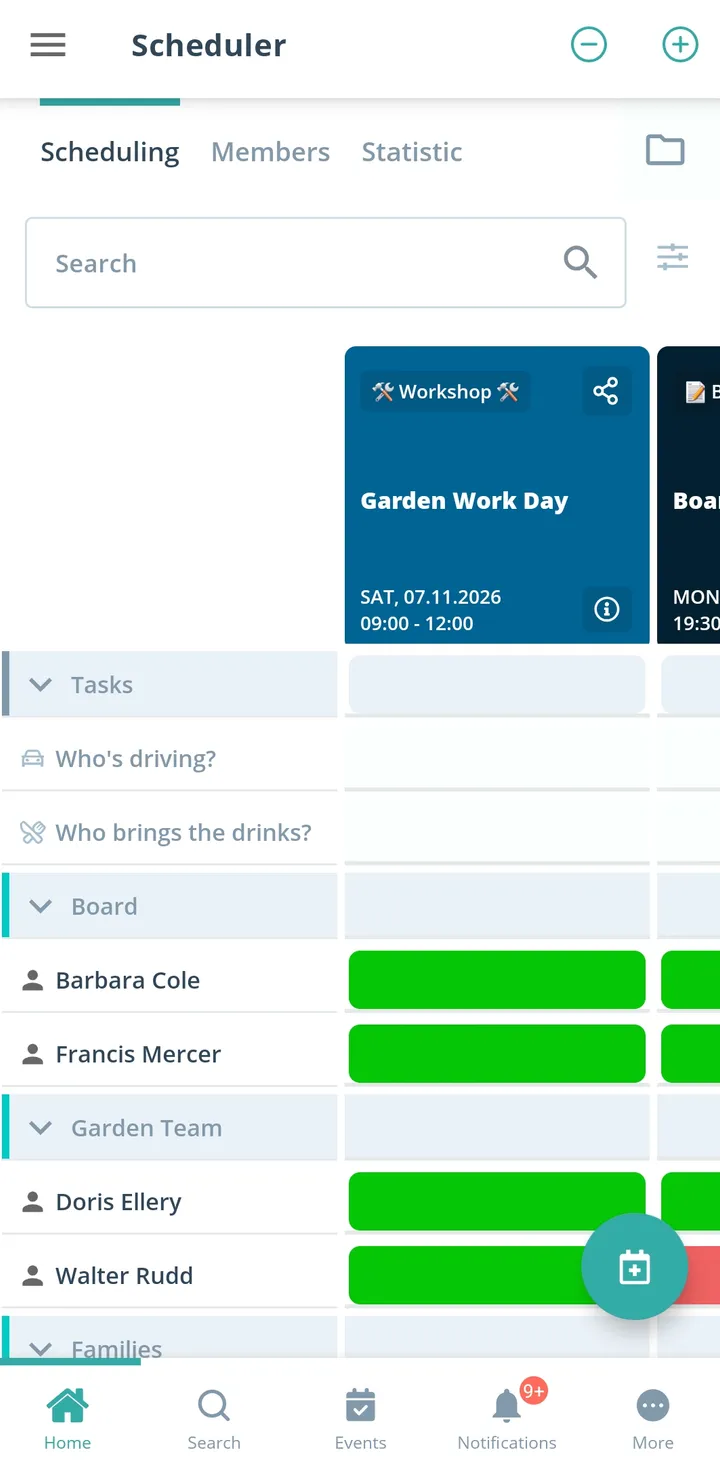
Anyone who plays on two teams shows up in both schedules. For the season change, one pass is enough.
Gumb for sports and recreation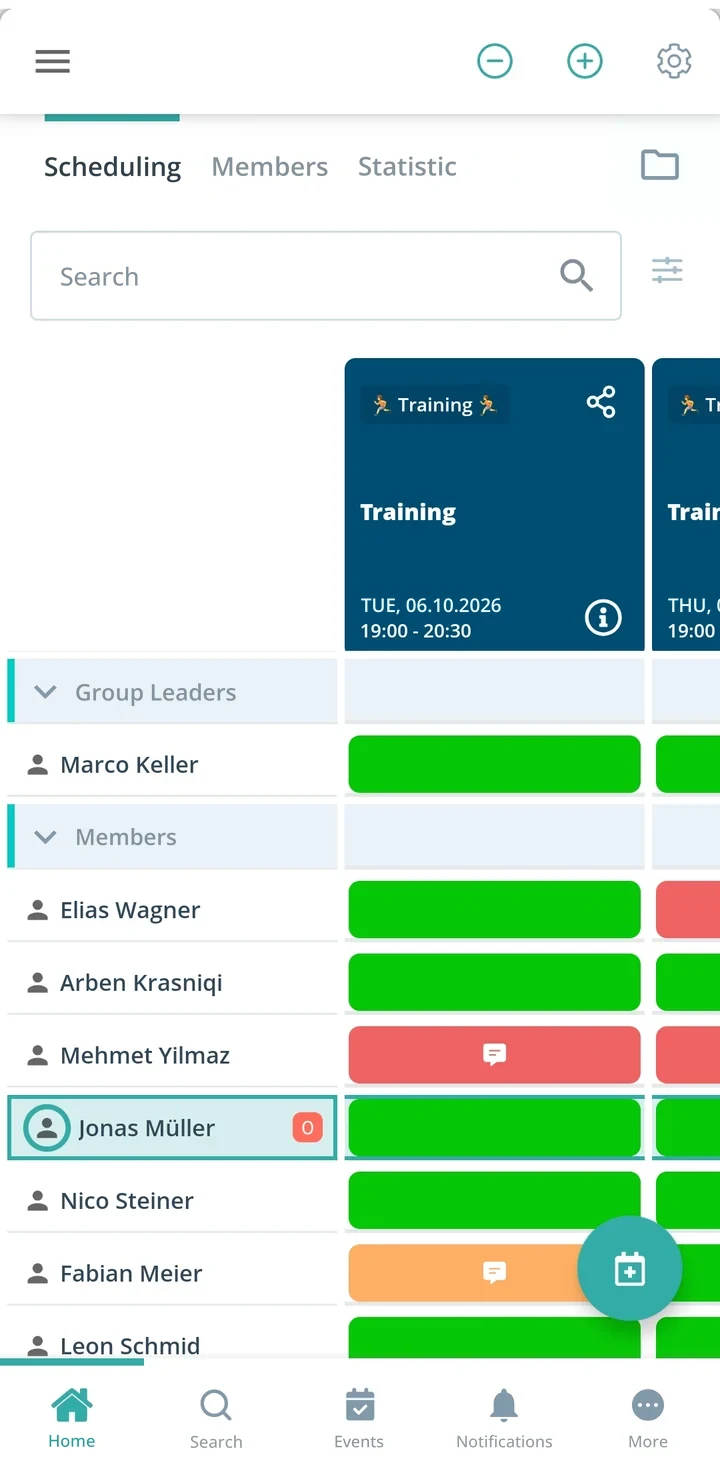
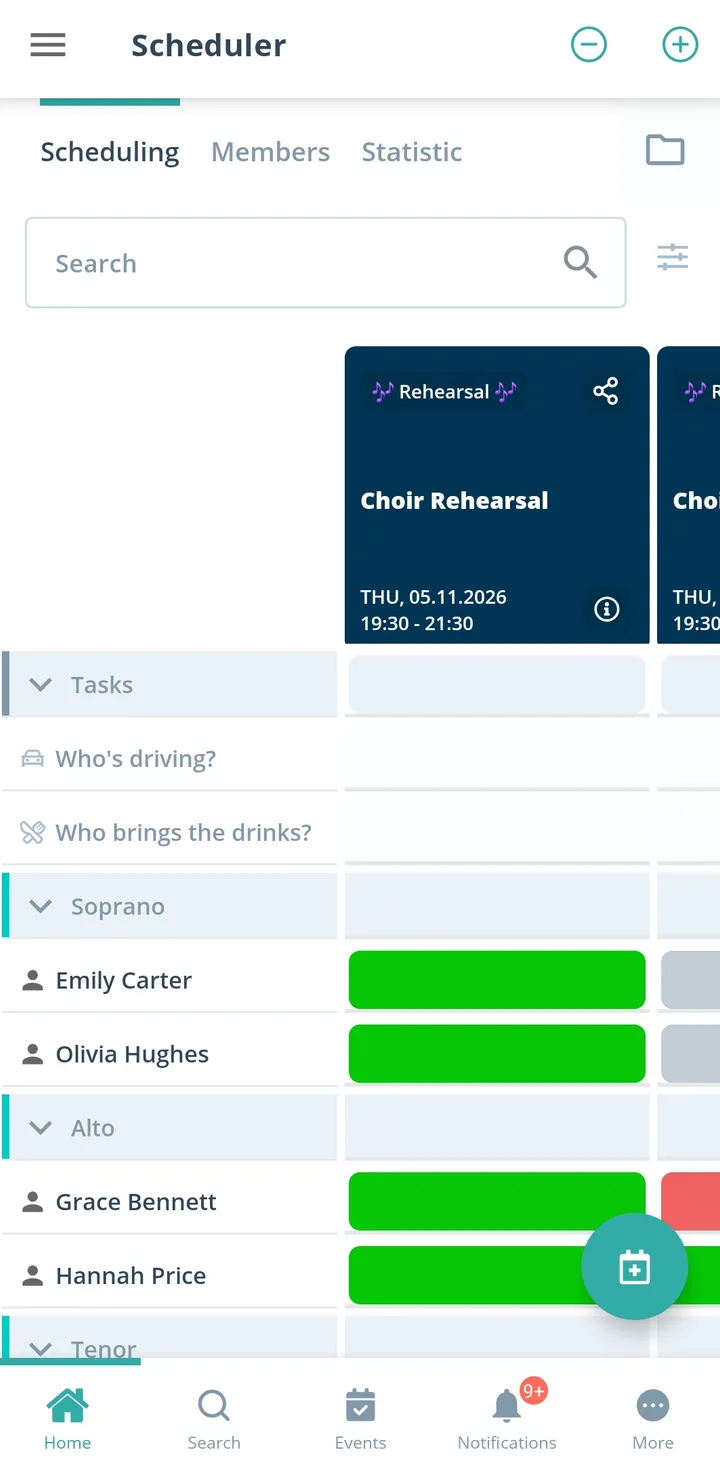
A table in the Gumb web app with all people and all communities you run as owner or admin. Each row is a person, each column a community. A checkmark assigns the person to the community.
Yes. You set several checkmarks in their row. The person keeps one account and one login and sees all events and chats in one place.
In the web app under your profile picture at the top left, My communities, Matrix tab. Or via the gear next to your community, Members tab, Matrix button.
No. Gumb saves every checkmark instantly. There is no save button and no new invitation.
Companies assign employees to departments and project teams. Clubs and organizations set up the board, committees and working groups. Sports clubs use it for the season change.
You can't change anything there. That applies to the owner of a community, to communities where you are not an admin, and to locked or archived communities.
The matrix only shows communities where you are the owner or an admin. Communities where you are just a member are left out.
No. It is included in every plan. It pays off as soon as you run several communities, so from Premium. On the Pro plan you have one community and organize people with groups.
Try Gumb free for 2 months with the full feature set. No credit card, no automatic renewal.