Startup · Team · Planning
The team app for startups and SMEs
Plan meetings, shifts and team events, see RSVPs in real time and track attendance automatically. For team leads, employees and management, without the group chat chaos.
- iOS, Android & web
- No feature upgrades needed
- No credit card needed




In short
Gumb is a team app for startups and SMEs. Meetings, all-hands, offsites and team events sit in one shared calendar, employees say yes with one click, and with a poll event you find the date for the next team event, for example. New hires join by link, projects plan in their own group schedulers, and documents sit right on the event. Time tracking and payroll stay with your existing systems.
One price for the whole team
You pay per team, not per person. Employees never pay.
Gumb Pro, every feature
149 CHFa year
for up to 100 people in the team
Same price for:
- 10 people
- 30 people
- 50 people
- 100 people
With 100 people that is about 1.50 Swiss francs per person a year.
Many scheduling tools bill per employee and month. In return they also track working hours and prepare payroll, which Gumb does not.
More than 100 people? Premium comes in tiers, and every community adds 100 employees. Current prices in your currency are on the pricing page.
See all pricesFrom calendar chaos to a well-run team
What costs small teams time between meetings and events, and how Gumb fixes it.
Without Gumb: You collect who comes to the offsite with a Slack poll and a spreadsheet.
With Gumb: The offsite is an event with a response deadline. You see live who is coming.
Without Gumb: The date for the team event gets talked to death in the chat.
With Gumb: A poll event with your own answers shows right away which date wins.
Without Gumb: New people take days to learn about every meeting.
With Gumb: New hires join by link and see their team's events right away.
Without Gumb: Agenda and slides for the all-hands live in different tools.
With Gumb: Agenda and documents sit right on the event, up to 50 MB per file.
Meetings, offsites and team events under control
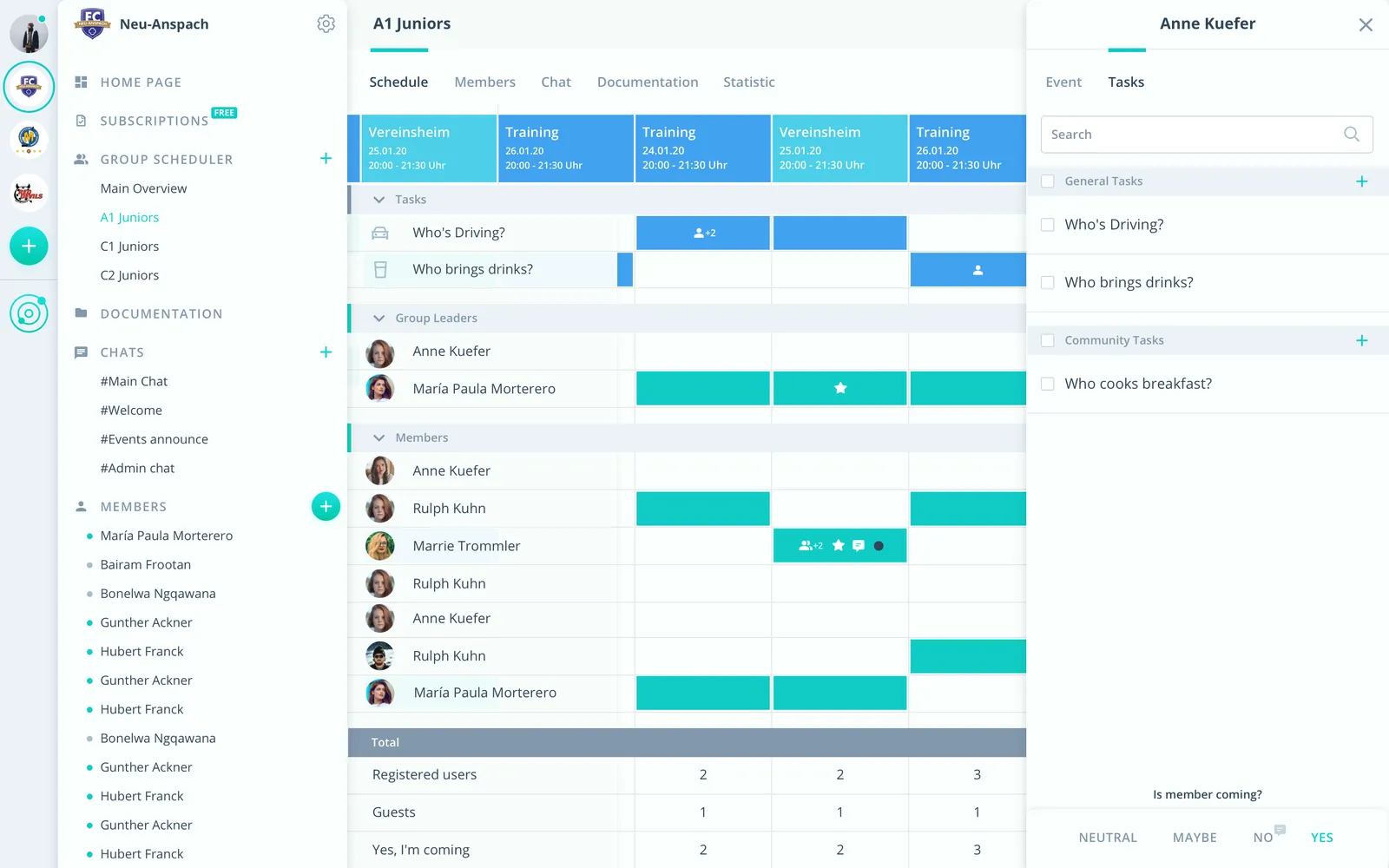
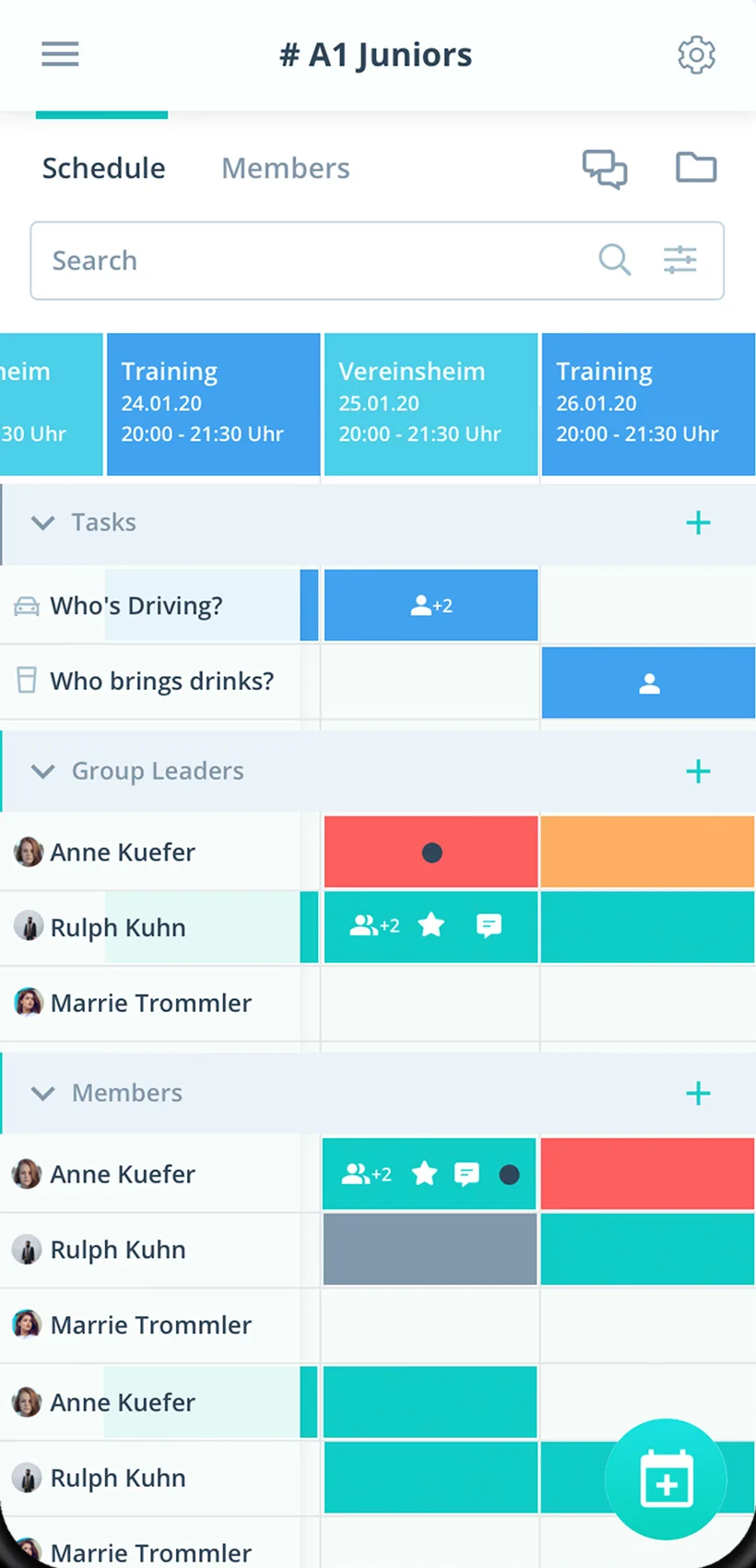
Responses, polls and documents per event, in the app and in the browser.
Vote with a poll
An event type called “Poll” turns answers into options, for example for date or venue.
Agenda on the event
Agenda and slides right on the all-hands or offsite.
Projects apart
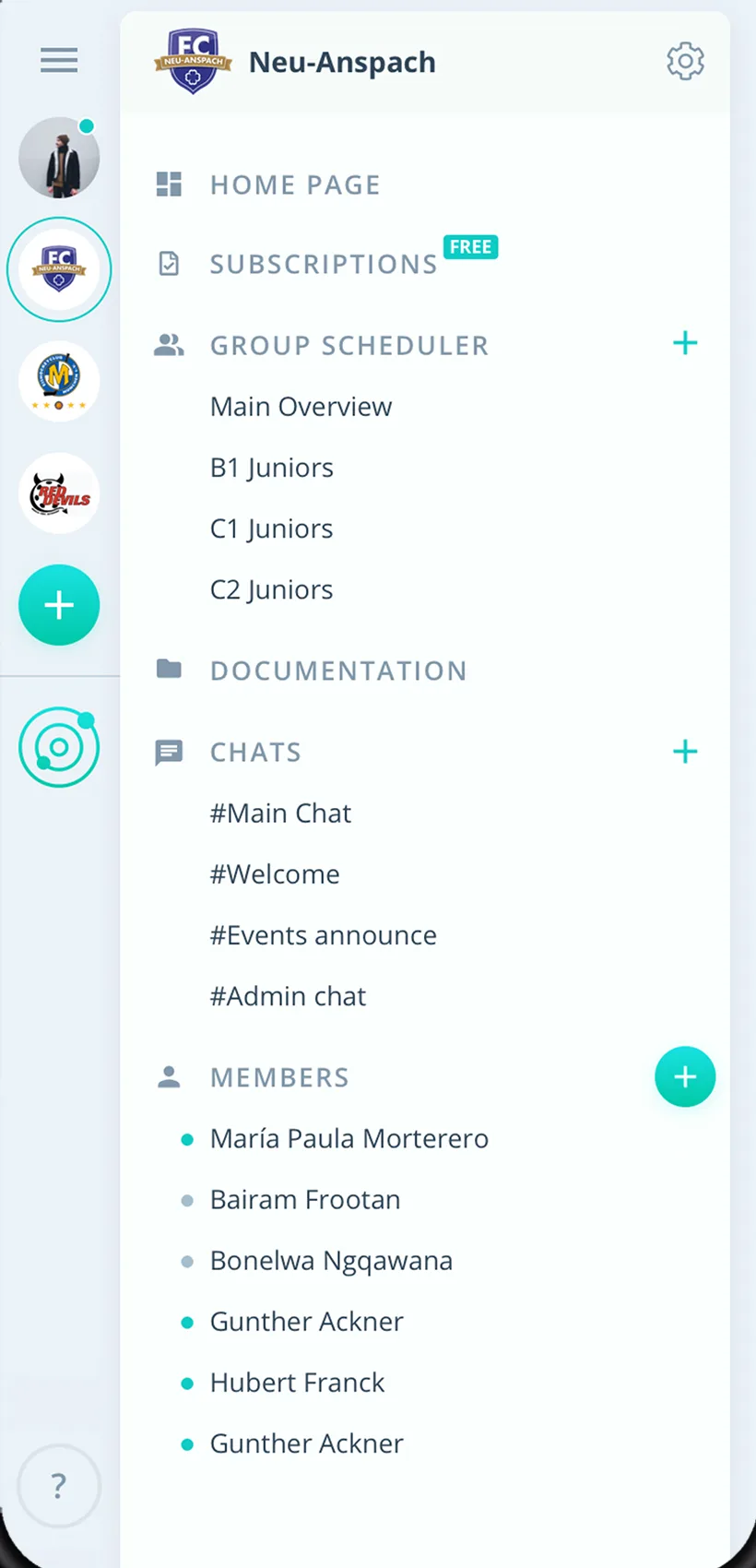
Every project or team plans in its own group scheduler.
Everything your startup needs
For founders, team leads and employees. From the weekly to the offsite.
One calendar for the team
Weeklies, all-hands, offsites and team events in one place.
Responses with one click
Employees answer right away, with a comment if they like.
Tasks for the event
Hand out organizing jobs such as venue, food or tech on the event.
Absences in view
See planned absences before you schedule the next meeting.
Reminders before meetings
Gumb reminds everyone up to twice before each meeting.
Chat and comments
Questions about the event right on it, plus chat rooms and direct messages.
Agenda and documents
Store agendas, slides and plans on the event.
Teams and projects
Every team or project with its own group scheduler.
Rights for leads
Admins manage the company, team leads plan their team's events as group leaders.
How your startup gets started
From the first team to the first offsite with every response.
- 1
Create teams
Create groups for teams or projects and invite everyone by link.
- 2
Enter events
Weeklies as a series, offsites and team events with a response deadline.
- 3
See responses
Know before every event who is coming.
For everyone at the startup
Team leads
- Live responses for the offsite
- Find a date by poll
- Agenda right on the event
Employees
- Say yes with one click
- Every team event in one place
- Events in your Google, Apple or Outlook calendar if you like
Founders and management
- One tool for every team
- Onboard new people by link
- Staff list as CSV
What teams say about Gumb
4.7/54.7 out of 5 stars271 ratings across both platforms25K+ users
Great app for scheduling. Very clear, reliable and easy to use.
Gumb
Great app!
Top team app, easy to use and very helpful for the team. Thanks for this app 👍
Reviews translated from German.
FAQ: the team app
How do we find a date for the team event?
With an event type called “Poll”. The answer options stand for the dates or venues, and in the scheduler you see right away how people voted.
How do new hires join Gumb?
Through the community link with a join request, or you enter them upfront and Gumb sends the invitation. They then see their team's events right away.
Can Gumb track working hours?
No. Time tracking and payroll are not part of Gumb. Keep using your existing system for them.
Does Gumb connect to our calendars?
Yes. Gumb syncs with Google Calendar, and Apple Calendar and Outlook get the events through an iCal link. The sync is one-way, from Gumb into the calendar.
Can projects plan separately?
Yes. Every project gets its own group scheduler, and group events are only visible to its employees. People in several projects see all their events in one place.
How do I organize the offsite?
The offsite is an event with a response deadline. Organizing jobs such as venue, food or tech become tasks on the event, and agenda and documents are attached right to it.
Which team app do we need without time tracking?
Gumb suits small teams that plan meetings, team days and assignments and want to see yes and no answers. There is no time tracking or payroll, you export attendance to Excel when needed.
How do we plan meetings and team days without chat chaos?
Meetings and team days are events with a response deadline and a reminder. The calendar connects to Google, Apple or Outlook, and the team chats right in the app.
What does Gumb cost for a small team?
You try Gumb free for 2 months. The Pro plan costs 149 Swiss francs a year for up to 100 employees, with all features and chat. Employees never pay.
Ready for the next offsite?
Try Gumb with your startup free for 2 months, with every feature, no credit card and no automatic renewal.