
Small group · Meeting · Community
The app for small groups and Bible study
Plan meetings, discussion evenings and group outings, see RSVPs in real time and track attendance automatically. For group leaders, participants and church leadership, without the group chat chaos.
- iOS, Android & web
- No feature upgrades needed
- No credit card needed




In short
Gumb is an app for Bible study groups, home groups and small groups. Meetings sit in the calendar as recurring events, for example weekly or every two weeks, and who hosts or brings something becomes a task on the event. Bible passage and discussion prompts are ready as files, and every group plans in its own group scheduler, so group events are only visible to its own members.
From host back and forth to a steady rhythm
What costs group leaders time between two meetings, and how Gumb fixes it.
Without Gumb: Whose home you meet at next week gets sorted out every time.
With Gumb: The host is a task on the meeting, even weeks ahead.
Without Gumb: You only know who is coming once everyone is at the table.
With Gumb: Members say yes or no beforehand, and you see it live.
Without Gumb: The passage for the evening gets lost in the chat.
With Gumb: Bible passage and prompts sit on the event.
Without Gumb: A new date takes ten messages.
With Gumb: A poll event shows right away which date works.
Meetings, discussion evenings and outings under control
Host, material and responses per meeting, in the app and in the browser.
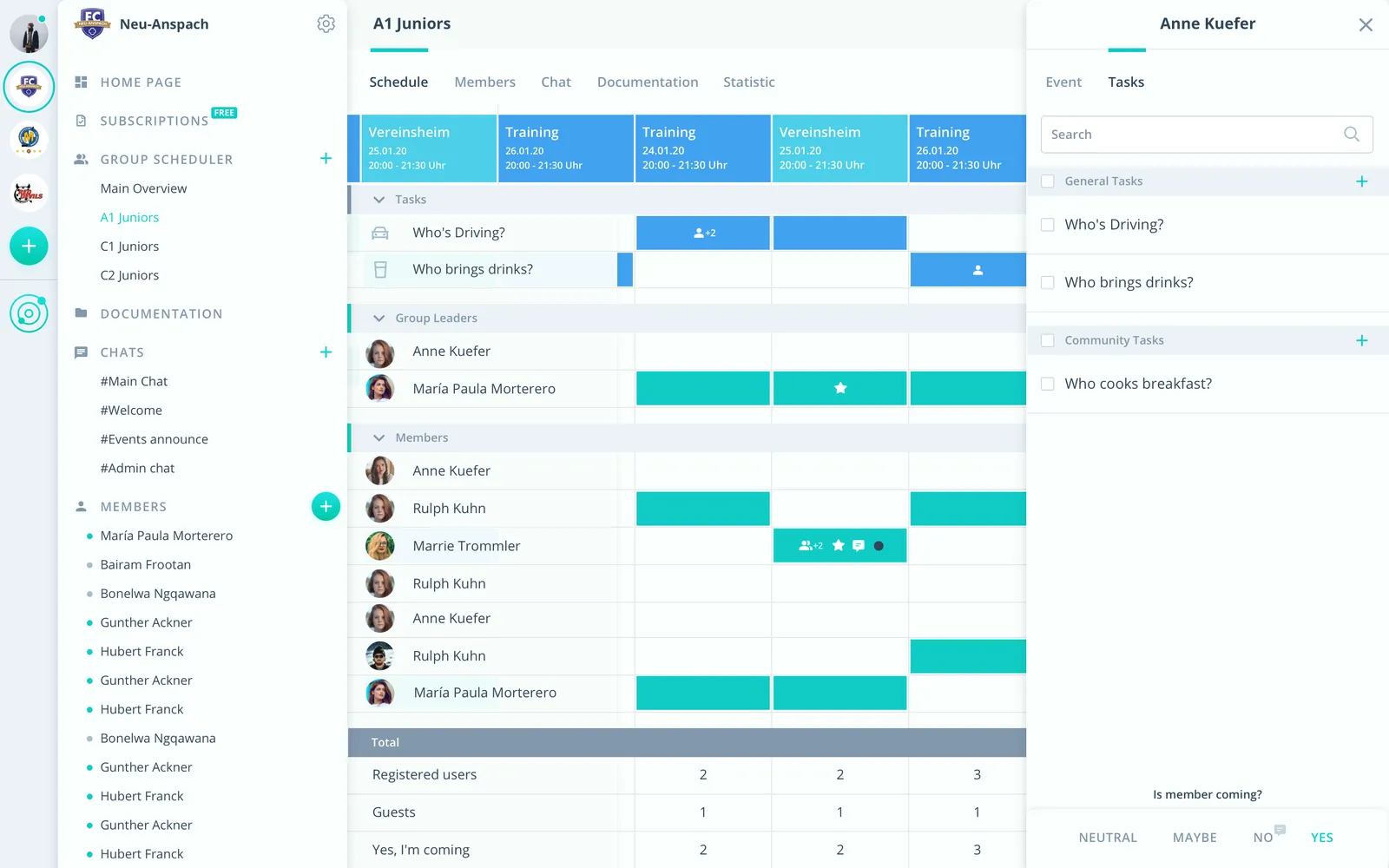
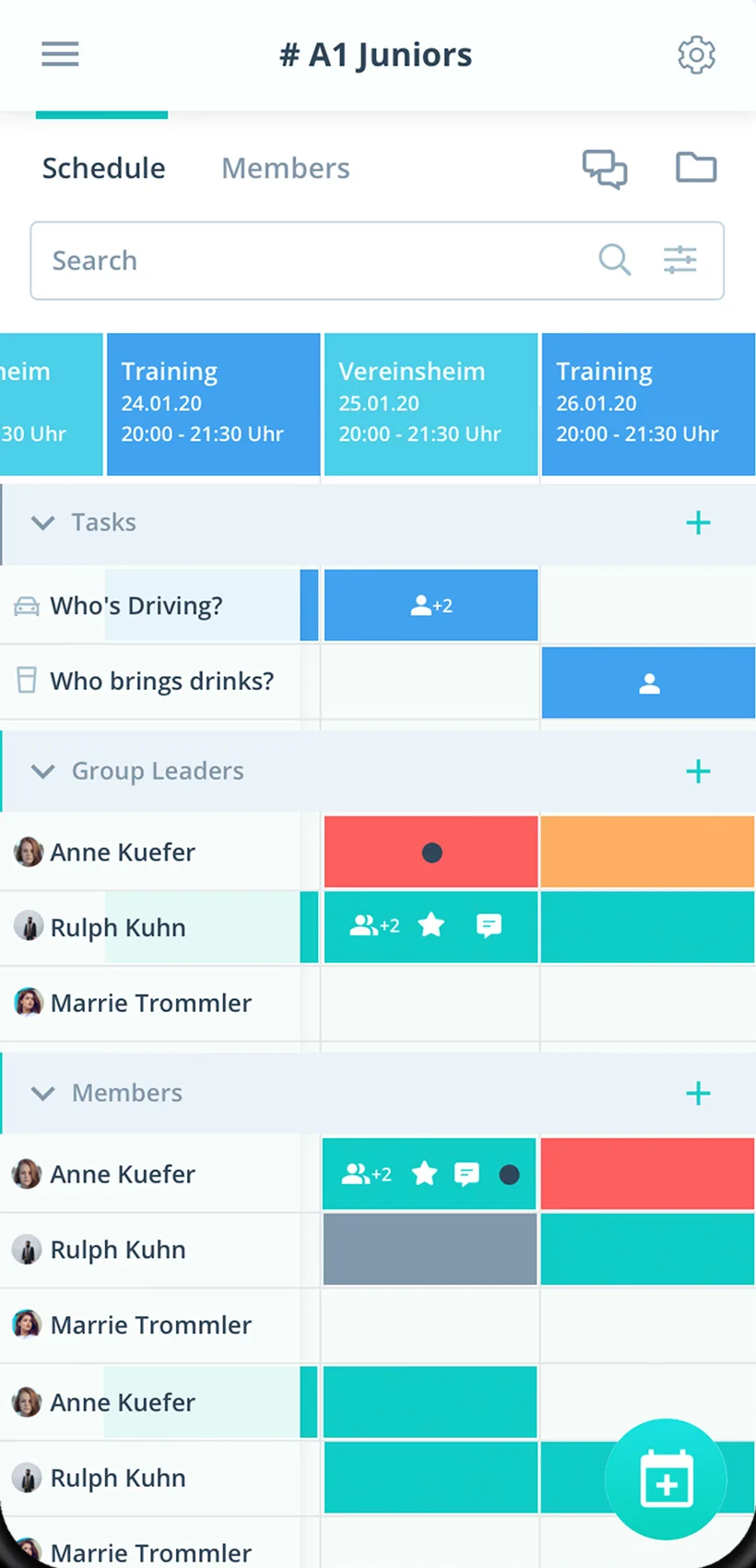
Host as a task
Who hosts or brings something sits right on the meeting.
Meetings as a series
Create weekly or biweekly meetings once.
A private circle
Only the group's own members see its events.
Everything your home group needs
For group leaders, members and church leadership. From the discussion evening to the outing.
Meetings in rhythm
Meetings as a series, weekly, every two weeks or custom.
Responses before the meeting
Members say yes or no with one click, with a comment if they like.
Host and things to bring
Hand out host, food or devotion as tasks on the meeting.
A reminder before group
Up to two reminders per meeting, with place and time.
Sharing in the group
Prayer requests and questions in the group's chat room.
Passage and prompts
Store texts, study guides and song sheets on the meeting.
Participation at a glance
Who came how often, as an Excel file for the group leader.
Several groups
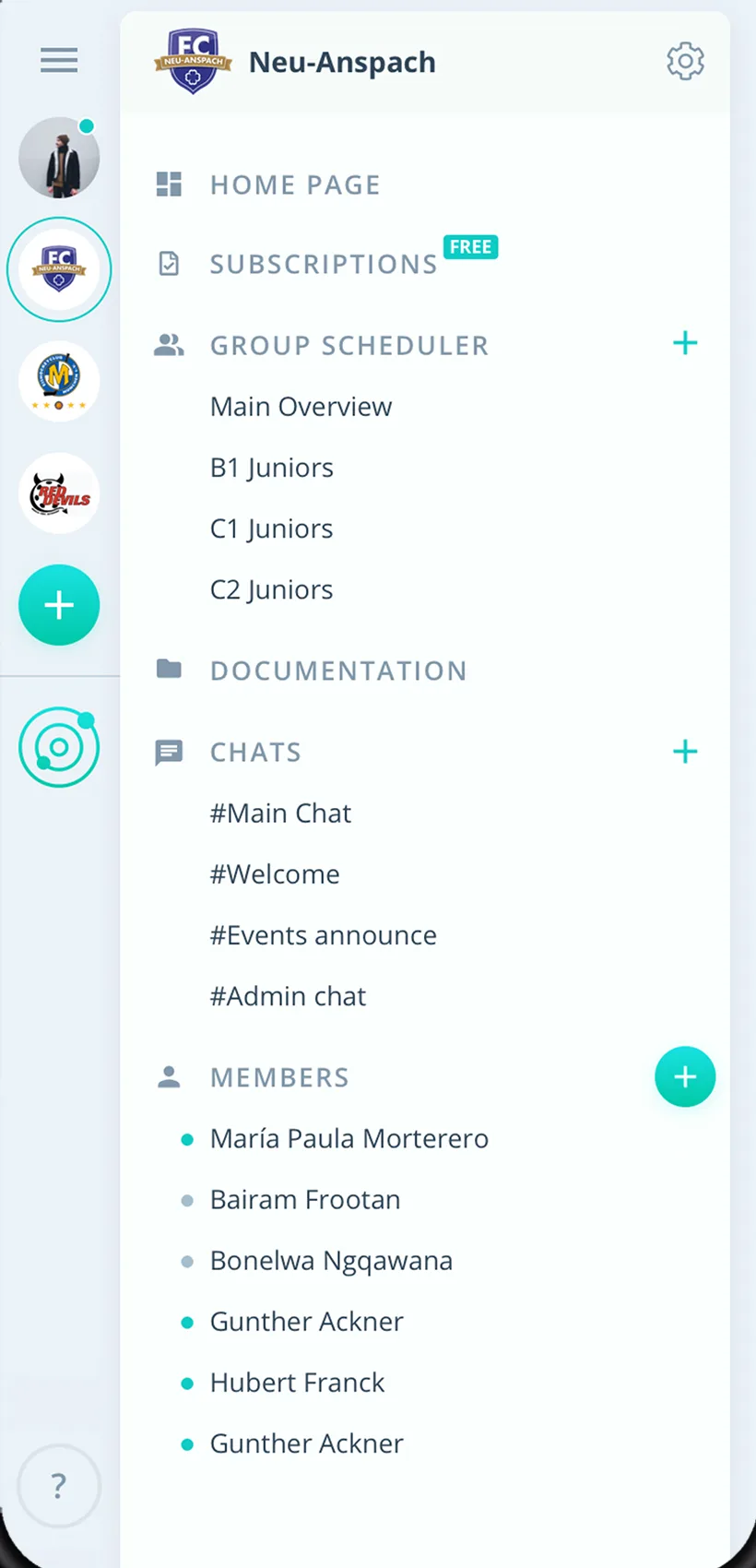
Every home or Bible study group with its own group scheduler.
Rights for group leaders
Admins manage the church, group leaders schedule for their group.
How your home group gets started
From the first meeting to a steady rhythm.
- 1
Create the group
Create the group and invite members by link.
- 2
Enter meetings
Meetings as a series, host as a task.
- 3
On the way together
See responses, share material and find new dates by poll.
For everyone in the home group
Group leaders
- Host sorted in advance
- Know who will be there
- New dates by poll
Members
- Reply for the meeting with one click
- Passage and prompts on the meeting
- Group meetings in your personal calendar if you like
Church leadership
- All home and study groups in one place
- Profiles only for approved admins
- Members never pay
What small groups and others say about Gumb
4.7/54.7 out of 5 stars271 ratings across both platforms25K+ users
Great app for scheduling. Very clear, reliable and easy to use.
Gumb
Great app!
With all my hobbies I always had a big muddle. With the Gumb app I can see who is coming when, and I can also ask why not... The layout is very user-friendly and modern. I think the app is very good and recommend it.
Reviews translated from German.
Church and community organizations that use Gumb
 Stifts-Chor Hofkirche
 Spirit of Hope
 Ministranten Rotkreuz
 Jungwacht Blauring Klingnau
 Jungwacht Buchrain
 Jubla Bazenheid
 JUBLA Muolen
 Blauring Goldau
 Jugendzentrum Backstube Meiringen
FAQ: the app for small groups
How do I decide who hosts?
Create a task called “Host” and turn it on for every meeting. Members sign up themselves, or admins assign it. That way it is clear weeks ahead where you meet.
Can I add meetings every two weeks automatically?
Yes. Create meetings as recurring events, daily, weekly, monthly or custom.
Do other groups see our events?
No. Every group gets its own group scheduler, and group events are only visible to its members. Church events for everyone sit in the shared calendar.
Who sees members' profiles?
Each person decides that in their settings, choosing which admins may view their profile.
How do we find a new date for the outing?
With an event type called “Poll”. The answer options stand for the dates, and in the scheduler you see right away which one works.
Where do I share the passage and discussion prompts?
Right on the meeting or in the group folder. Files can be up to 50 MB each.
Which app suits Bible study and home groups?
Gumb suits Bible study and home groups that plan their meetings as events. Participants say yes or no with one click, you hand out the host role as a task, and every group plans in its own group scheduler.
Ready for your next group meeting?
Try Gumb with your home group free for 2 months, with every feature, no credit card and no automatic renewal.